
Bank Reconciliation on Autopilot: A Step-by-Step Guide for Swiss SMEs
Still matching bank statements to invoices by hand every month? Here's a practical, numbered walkthrough to automate Swiss bank reconciliation with Flitz.ai.
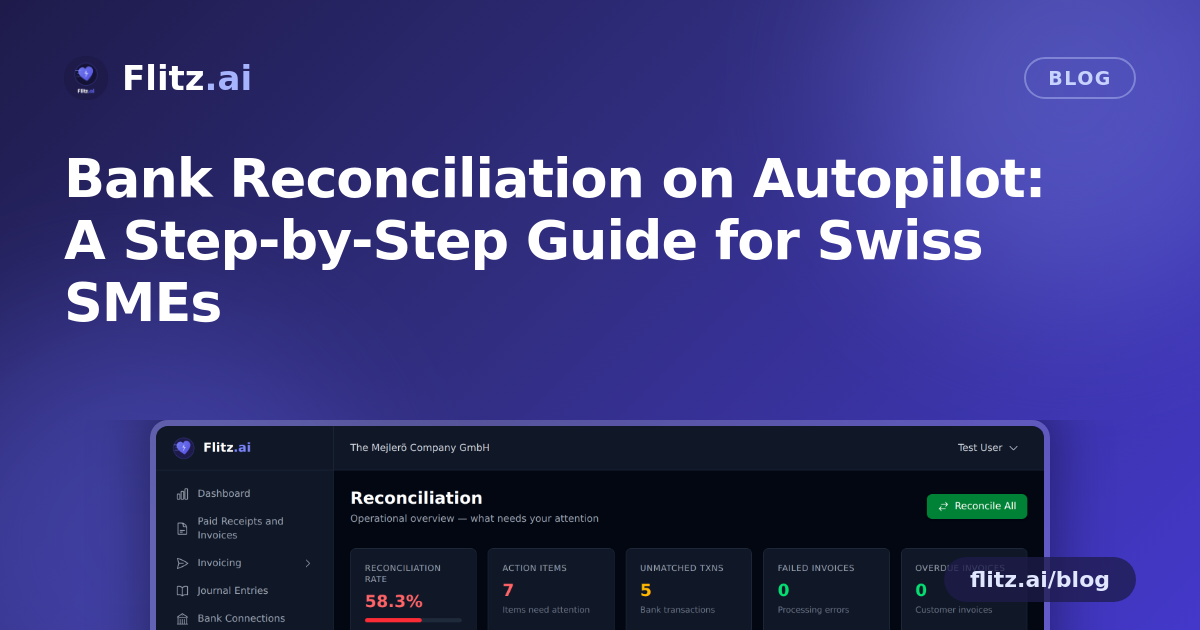
If you run finance for a Swiss SME, you know the monthly ritual: downloading a bank statement, opening it next to your invoice list, and manually ticking off which payment belongs to which invoice. It's slow, it's error-prone, and it eats hours you could spend on actual business. Here's how to move from that manual grind to an automated reconciliation process, step by step.
Step 1: Audit your current process
Before automating anything, map out how reconciliation happens today. Most Swiss businesses fall into one of two camps: manually exporting CSV files from e-banking and cross-checking them in Excel, or doing it inside accounting software that still requires line-by-line manual matching. Either way, the bottleneck is the same — someone has to look at a payment, figure out which invoice it settles, and confirm it.
Write down roughly how many transactions you reconcile per month and how long it takes. This gives you a baseline to measure improvement against once automation is in place.
Step 2: Connect your bank — or start with CSV
The fastest path to automation is a direct bank connection. If you bank with PostFinance, Flitz.ai integrates directly via the PostFinance Open Banking API, so transactions flow in automatically without any manual export.
If you use a different Swiss bank, you're not locked out. Flitz.ai accepts CSV import for any Swiss bank, so you can upload your existing statement export and get the same matching logic without waiting for a live API connection. This means you can start automating today, regardless of which bank you use.
Step 3: Use ISO 20022 (camt.053) files for cleaner data
If your bank can export in the ISO 20022 camt.053 format — the Swiss banking standard most institutions now support — use it instead of a plain CSV. camt.053 files carry structured data, including QR references and booking details, which gives the matching engine much more to work with. The result is fewer unmatched transactions and less manual cleanup later.
Step 4: Let the matching engine do the heavy lifting
This is where the real time savings happen. Once transactions are in the system, Flitz.ai runs them through three matching strategies, in order of precision:
- QR reference matching — Swiss QR-bills carry a unique reference number. When present, this gives a near-certain match between payment and invoice.
- IBAN + amount matching — if no QR reference is available, the system checks the sender's IBAN against known customer or supplier records combined with the exact amount paid.
- Fuzzy matching — for edge cases (partial payments, rounding differences, slightly altered references), a fuzzy logic layer looks for the closest probable match.
Transactions that reach 90%+ confidence are reconciled automatically — no clicking required. You only need to review the handful of borderline cases the system flags, rather than every single line.
Step 5: Review the exceptions, not everything
This is the mindset shift that saves the most time: instead of checking every transaction, you only look at what the system couldn't confidently match. Typically this is a small percentage — things like a customer who paid without using the QR reference, or a payment split across two invoices. Confirm or correct these manually, and the engine learns the pattern for next time.
Step 6: Set a recurring rhythm
Once connected, reconciliation stops being a monthly project and becomes a background process. Many businesses check in weekly, or even daily if cash flow visibility matters to them, since new transactions are matched continuously rather than batched at month-end. This also means your books are closer to real-time, which helps when you need an up-to-date picture for a loan application, a board meeting, or your fiduciary's quarterly MWST review.
Step 7: Measure the time saved
Go back to the baseline you noted in Step 1. Most teams find that the manual matching work — the part that used to take the longest — shrinks to a quick exception review. That freed-up time can go toward the parts of financial management that actually need a human judgment call: chasing overdue invoices, planning cash flow, or talking to clients.
Getting started
You don't need to overhaul your entire finance stack to benefit from this. Start with either a bank connection or a CSV/camt.053 upload, let the three matching strategies run, and review only what's flagged. You can read more about how the matching logic works on the bank reconciliation feature page.
Automation doesn't mean losing control of your books — it means only spending your attention where it's actually needed.