
Stop Emailing Invoices Back and Forth: Give Clients Their Own Portal
Tired of hunting through email threads for invoice PDFs and project updates? Flitz's Customer Portal gives each client a private, branded space to collaborate, see invoices, and chat.
It's 4:45 pm on a Friday and a client emails: "Can you resend that invoice from March? And what's the status on the project we discussed?" You search three inboxes, find half the answer, and promise to follow up Monday. Sound familiar?
For most Swiss SMEs, client communication lives in a messy patchwork of email threads, PDF attachments, WhatsApp messages, and the occasional phone call. Every new project brings a new chain of "can you send that again?" requests. Invoices get buried. File versions get confused. And if a colleague goes on holiday, nobody else knows what was promised to whom.
The deeper problem isn't your clients being difficult — it's that you've never given them a proper place to look things up themselves. Email was never built to be a shared workspace, and expecting your customers to dig through subject lines for an attachment from six weeks ago isn't exactly a great client experience either.
A Portal, Not Another Inbox
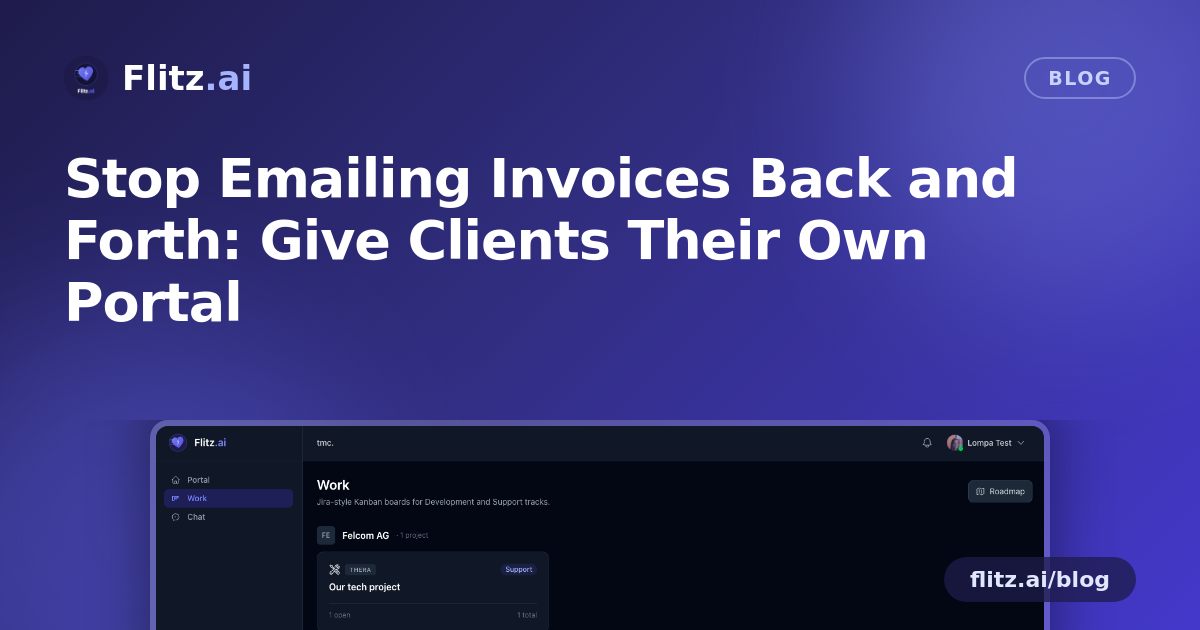
The Customer Portal in Flitz gives each client their own branded, private login — a single place where they can see what's relevant to them, without wading through your internal systems or your other customers' data.
Getting a client set up takes one email. You send a magic-link invite, they click through, choose a password, and they're in. No lengthy onboarding call, no separate software for them to buy or learn.
You Decide Exactly What They See
Not every contact at a client company should see the same thing, and the portal respects that. Per-user feature toggles let you switch on exactly what each invited person can access: Work boards, Chat, Invoices, Files, or the AI Assistant — in any combination.
- A project manager might get Work and Chat, so they can track tickets and ask questions — but never see pricing.
- The finance contact can be given Invoices access, so billing documents land automatically in their portal instead of their inbox.
- An external consultant working on one job might only need Files, for sharing NDAs or agreements.
This is the detail that matters most for Swiss businesses handling sensitive commercial terms: non-billing collaborators never see financial data. There's no risk of a junior contact stumbling onto an invoice with your negotiated rates, because invoices only auto-share with the designated billing-contact user.
Real Collaboration, With Guardrails
Clients aren't just passive viewers. Invited customers can act as collaborators directly on your Work boards — editing tickets and leaving comments on the project you're running for them. That means status questions get answered where the work actually happens, not in a separate email that someone has to manually update.
You keep control of the structure: moving tickets between stages and deleting them stays reserved for your team. Clients can contribute without accidentally reorganising your board or deleting something important.
Files, Without the Attachment Chaos
Every customer record supports drag-and-drop file upload, so contracts, NDAs, signed agreements, or project deliverables live in one place tied to that specific client — not scattered across email attachments with inconsistent file names and no version history.
An AI Assistant That Knows Its Boundaries
One of the more useful touches: invited clients can ask the scoped AI Assistant something like "what's the status of our project?" and get a direct answer pulled from their own data. The assistant is strictly scoped per customer, so there's no chance it surfaces details from another client's account — a reasonable concern for any SME juggling several accounts with similar project names or timelines.
From Guest to Full Tenant
Some client relationships grow. A customer who starts as a portal guest can later become their own Flitz tenant with one click, standing up their own full instance while still collaborating with you on shared projects, invoices, and files. It's a natural upgrade path rather than a migration headache.
Less Chasing, More Clarity
For Swiss SMEs and fiduciaries managing dozens of client relationships, the Customer Portal replaces the constant back-and-forth with a self-serve space that's still fully under your control. Clients get faster answers. You get fewer interruptions and a cleaner audit trail of who agreed to what, and when.
If your Friday afternoons are regularly hijacked by "can you resend that" requests, it might be time to give your clients a door of their own — one you decide exactly how far to open.