
Stop Emailing PDFs Back and Forth: Give Your Clients a Portal Instead
A look at a typical quarter-end crunch for a Swiss SME — and how a branded customer portal replaces scattered emails with one shared, secure workspace.
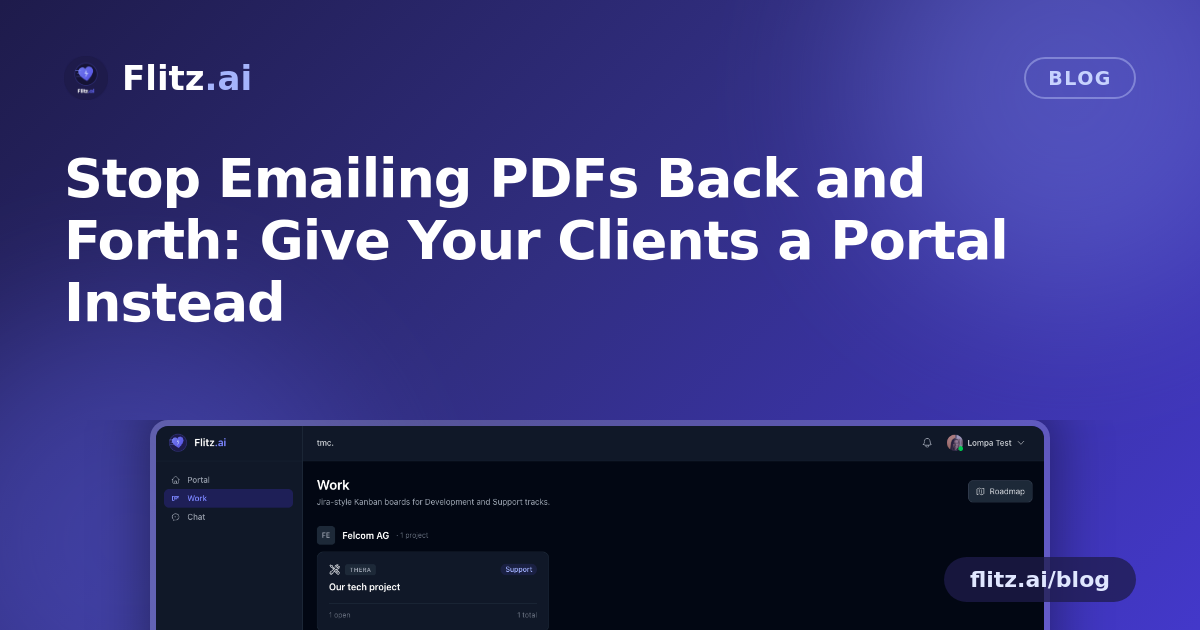
Picture a small engineering consultancy in Zurich, three people, midway through a quarter-end crunch. Invoices need to go out, a client wants proof of a signed NDA from months ago, another wants a status update on an ongoing project, and the office manager is juggling all of it across email threads, a shared Drive folder, and WhatsApp messages that inevitably get missed. This is a common, entirely ordinary scenario for a Swiss KMU — not a dramatic failure, just the quiet friction that eats an afternoon every month.
Now imagine the same quarter-end with a different setup: each client has their own private, branded portal. Nothing hypothetical about the pain here — most small businesses recognize this exact loop. What changes is the tooling underneath it.
The Problem: Every Client Relationship Runs on a Different Channel
One client emails PDFs. Another wants everything in a Teams chat. A third calls because they can't find the invoice you swear you sent. None of this is anyone's fault — it's just what happens when there's no shared space to work from. For a fiduciary or small firm managing a dozen or more client relationships, the overhead compounds fast, and financial documents in particular end up scattered across inboxes with no clear access control.
Inviting a Client In, Step by Step
With a customer portal, the fix starts with a single email. The office manager sends a magic-link invite to the client's billing contact. The client clicks it, sets a password, and they're in — no account setup calls, no onboarding friction, no separate login system to explain over the phone.
From there, access isn't all-or-nothing. Per-user feature toggles let the business decide exactly what each invited person sees: Work boards, Chat, Invoices, Files, or the AI Assistant, in any combination. The client's finance contact gets invoices and files. A project lead on the client's side might only need Work and Chat — no financial visibility at all. This matters especially during an audit or year-end review, when a firm might need to loop in an external accountant temporarily without handing them access to every invoice on file.
Quarter-End, Reimagined
Back to the engineering consultancy. Instead of emailing invoices one by one, they're auto-shared with each client's designated billing-contact user the moment they're issued. Non-billing collaborators — say, a technical lead who's only there to comment on project tickets — never see that financial data at all. The separation is automatic, not something the office manager has to remember to enforce.
When a client asks for that NDA again, there's no digging through old email chains. Files live directly on the customer record via drag-and-drop upload — agreements, signed contracts, anything relevant to that relationship, in one place both sides can reach.
Project status updates, which used to mean a phone call or a "just checking in" email, now happen inside Work boards. Client-side collaborators can edit tickets and leave comments directly, keeping the back-and-forth visible and dated instead of buried in a chat history. The consultancy retains control over structure — moving or deleting tickets stays reserved for the internal team — so the board doesn't turn into a free-for-all, but clients still feel like active participants rather than passive recipients of updates.
When a New Hire Needs to Get Up to Speed
Say the consultancy brings on a new project coordinator mid-quarter. Instead of forwarding months of email threads so the new hire can "catch up" with a client, the coordinator gets internal access to the same portal the client already uses. History, files, and open tickets are already there. No separate briefing document needed.
Answers Without a Phone Call
One of the more practical touches is the scoped AI assistant available inside the portal. A client can ask "what's the status of our project?" and get a straight answer pulled from their own project data — without a call or a wait for someone to check in and reply. Crucially, the assistant is scoped per client: there's no risk of one customer's question surfacing details from another's account. It answers what it's allowed to see and nothing more.
Growing Past the Portal
Some client relationships eventually outgrow a portal-only setup — a client wants their own instance to run their own operations, not just collaborate on shared work. That's built in as a path, not a wall: the customer can become their own Flitz tenant in one click, while still staying connected and collaborating with the original business. No migration project, no lost history, no starting over.
Why This Matters for Swiss SMEs Specifically
Swiss businesses tend to run lean — a two- or three-person office serving dozens of clients, or a fiduciary managing books for many KMUs at once, doesn't have spare hours for manual document routing or explaining access rules over the phone. A portal with per-user controls means sensitive figures — MWST filings, invoice totals, margins — stay visible only to the people who should see them, while day-to-day collaboration on projects keeps flowing without a gatekeeper checking every request.
It's not a dramatic transformation. It's fewer emails, fewer "can you resend that" messages, and one place both sides know to check. For a business trying to get through quarter-end without losing an afternoon to file-hunting, that's often exactly the improvement that counts.