
The 5 Document Management Mistakes Costing Swiss SMEs Time and Money
Most Swiss SMEs still lose hours a week hunting through folders for a contract clause or an HR policy. Here are the five most common document mistakes — and how to fix them for good.
Ask any office manager at a Swiss SME how much time gets lost every week to "where is that file" and you'll usually get an eye roll, not a number. Document chaos is one of those problems that never feels urgent enough to fix — until a contract renewal deadline is missed, or an auditor asks for a version history nobody kept. Below are the five mistakes we see most often, why they happen, what they actually cost, and how the right tooling closes each gap.
Mistake 1: Treating storage as the whole solution
Most businesses pick a file-sharing tool, dump everything into folders, and consider the problem solved. Storage is necessary but it's not the job. The real job is finding a specific fact buried inside a specific file — the termination clause in a lease, the reimbursement rate in a travel policy, the delivery date on a scanned invoice. A folder structure only gets you to the right document; it does nothing to get you to the right sentence inside it.
This is why teams end up opening a PDF, scrolling, searching manually for a keyword, opening the next PDF, repeating. Multiply that across a team and a year, and it's real, uncounted labor cost.
Mistake 2: No search that understands content, only filenames
Traditional drives search filenames and maybe metadata. If your invoice is named scan0047.pdf, no search bar on earth will find it by content. Businesses compensate with elaborate naming conventions that everyone forgets to follow within a month, or they simply give up and ask a colleague "do you remember where that contract is?"
The fix is a document library where every file is text-searchable at the content level — including scanned documents. That means PDF text extraction and image OCR need to happen automatically on upload, not as a manual afterthought someone has to remember to run.
Mistake 3: Downloading files just to answer a simple question
How many times has someone downloaded a 40-page supplier contract just to check one expiry date, or pulled a spec sheet to confirm a single dimension? Download-open-scroll-close is the default workflow for most teams, and it's slow, it clutters local drives with duplicate copies, and it creates version confusion the moment someone edits their local copy.
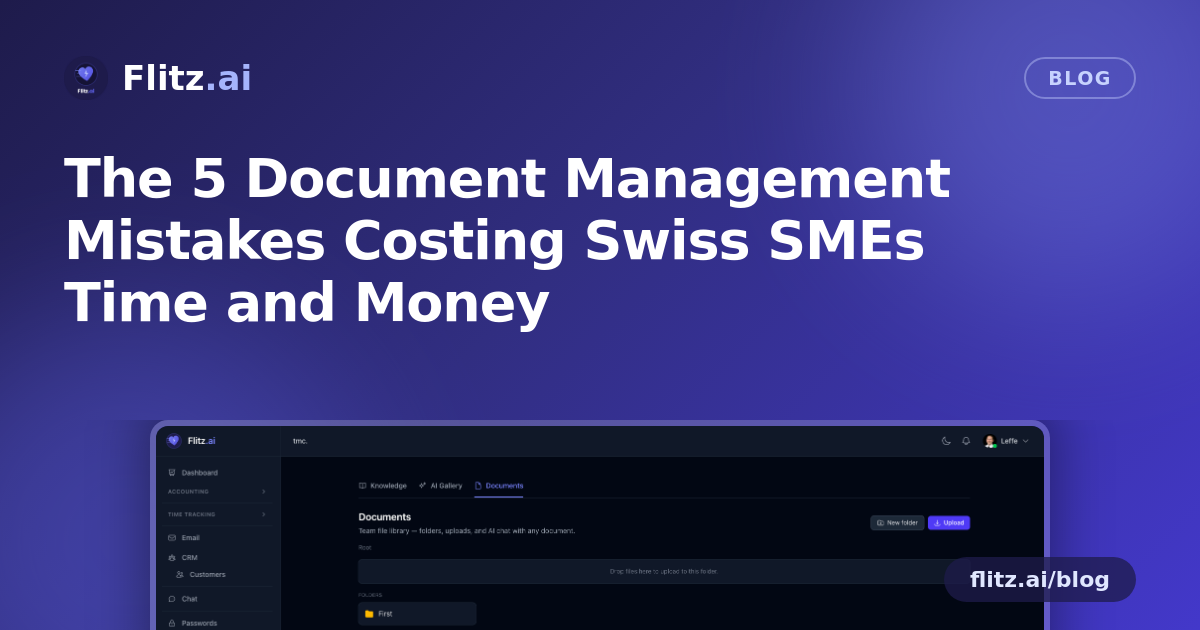
A proper smart preview — PDF rendered inline, images viewable directly, text rendered on the page — removes the need to download at all for 90% of quick lookups. But previewing still requires a human to read and interpret. The bigger unlock is being able to ask the document directly: "when does this expire?", "what's the travel reimbursement rate?", "what's the total on this invoice?" — and get an answer pulled straight from the text, with the source paragraph cited so you can verify it in seconds. This is exactly what Flitz's Documents module does with per-document chat: click any file and interrogate it like a colleague who actually read the whole thing.
Mistake 4: No accountability for who uploaded, changed, or replaced a file
When five people can drop files into a shared folder with no author tracking and no version history, you get duplicate files with slightly different names, outdated policies that never got removed, and no way to answer "who uploaded this and when?" when it matters — during an audit, a dispute, or simply trying to figure out which version is current.
This isn't a technology problem so much as a discipline problem that tooling should enforce automatically. Author tracking and version history shouldn't be an optional add-on; they should be baked into every upload so the question "is this the latest version?" always has a clear answer.
Mistake 5: Assuming cloud storage means secure storage
Many SMEs assume that because files sit in a well-known cloud drive, they're automatically compliant and secure. But data residency, encryption at rest, and tenant isolation are not guaranteed by every provider or every plan tier — and for Swiss businesses handling contracts, HR records, or client data, this matters for both MWST-related recordkeeping and general data protection obligations.
The safer default is a document library where storage is tenant-isolated by design and files are encrypted at rest, so business documents never mix with another organization's data and sit behind the same boundary as the rest of your business data.
Folders that answer back
None of these mistakes are exotic — they're the default outcome of using storage-only tools for a job that requires content understanding. Folders, drag-drop upload, and breadcrumb navigation are table stakes. What changes the equation is a library that reads what's inside every file: contracts, policies, spec sheets, and scanned invoices alike, and lets you ask a question and get a cited answer instead of a search result you still have to interpret.
For Swiss SMEs and fiduciaries juggling dozens of client contracts and internal policies, that difference is not a nice-to-have. It's the gap between a document library that stores files and one that actually helps you run the business.