
Why Your Company Files Should Be Able to Answer Questions
Swiss SMEs still bury answers inside PDFs no one can search. Here's how a document library that reads and talks back changes that — and where the old tools still have a point.
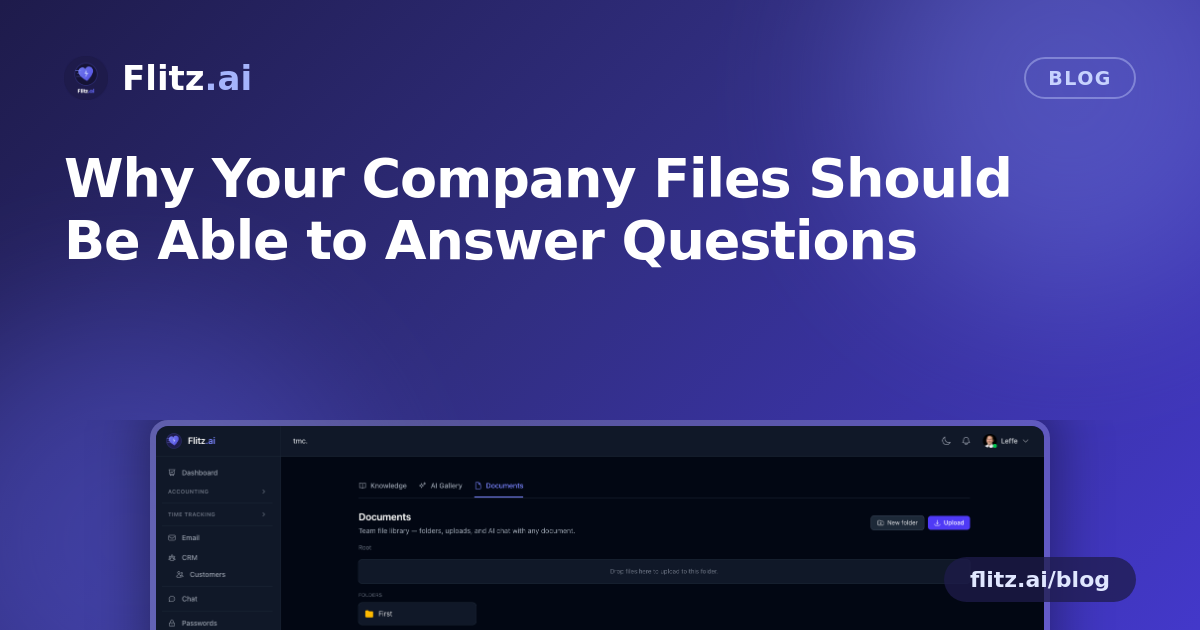
Every Swiss SME has the same quiet problem: important information is locked inside files, and nobody wants to be the one who has to go find it. The rental contract with the termination clause. The HR policy with the travel reimbursement rate. The spec sheet a client asked about six months ago. It's all there — somewhere — in a PDF, a scan, or an email attachment that three people forwarded to each other in 2022.
This post looks honestly at how Swiss companies currently manage documents, where those methods genuinely work, and where a newer approach — documents you can actually talk to — starts to pay off.
The old way: spreadsheets, email chains, and point tools
Most SMEs end up with a patchwork rather than a deliberate system:
- Shared drives and spreadsheets. A folder structure on a server or in Google Drive, maybe a spreadsheet tracking contract dates or policy versions. Cheap, familiar, and fine for a handful of files.
- Email as a filing system. "Can you send me that contract again?" is a sentence uttered daily in Swiss offices. Email search works, until the file has been renamed, re-saved, or sent from someone's private inbox.
- Disconnected point tools. A separate e-signature tool, a separate HR document portal, a separate accounting archive. Each one solves its own slice well, but nothing talks to anything else, and staff need three logins for one simple question.
These methods aren't wrong — they're just built for storage, not for understanding. A spreadsheet is excellent at listing contract expiry dates someone remembered to type in. It is useless at telling you what the contract actually says if that column is empty. Google Drive and SharePoint are excellent at storing and versioning files. Neither will read the file for you.
The real cost: time spent reading, not deciding
The trade-off of the old way is time. Someone still has to open the PDF, scroll to the right clause, re-read it to be sure, and then relay the answer. For a single contract, that's a few minutes. Across a growing SME with dozens of supplier agreements, HR policies, and scanned invoices, those minutes add up to hours every month — hours spent searching rather than working.
The integrated approach: a library that reads its own files
Flitz Documents keeps the parts of the old way that work — folders, drag-and-drop upload, breadcrumb navigation, inline rename — so nothing feels unfamiliar. You still organise files the way you always have.
What changes is what happens after upload. Every file becomes a chat partner. Click a document and ask it a direct question:
- "When does this contract expire?"
- "What's the travel reimbursement rate in this policy?"
- "What's the payment term on this scanned invoice?"
The AI reads the file in context — PDF text extraction via pdftotext for native documents, AI vision OCR for scans and images — and answers with the source paragraph cited, so you can verify it instead of just trusting it. No downloading, no scrolling, no re-reading the whole document to confirm one date.
Preview without downloading
The smart preview pane renders PDFs, images, and text directly in the browser. For a fiduciary or office manager checking a handful of documents a day, skipping the download-open-close cycle is a small thing that saves a real amount of friction.
Knowing who did what
Author tracking and version history answer the second most common office question after "what does this say": "who uploaded this, and when?" That matters for audits, for handovers when staff change, and for simple accountability.
Staying inside your boundary
Tenant-isolated storage, encrypted at rest, means your contracts and HR files stay inside your own tenant — not mixed into a shared pool. For Swiss SMEs handling client data and MWST-relevant records, that boundary is non-negotiable, not a nice-to-have.
Where the old way still has a point
To be fair: if your company has five documents total, a shared drive is still perfectly adequate. The value of per-document chat and OCR grows with the number of files and the number of people who need answers from them without being the one who filed them. A sole proprietor with a single folder doesn't need RAG search. A 15-person SME with supplier contracts, HR policies, and a growing invoice archive does.
Consolidation wins when files multiply
The honest case for an integrated tool isn't that spreadsheets or Google Drive are bad — it's that they stop scaling the moment someone needs an answer, not a file. Because Documents sits inside the same platform as invoicing, banking, HR, and CRM, a scanned supplier invoice or a signed contract isn't an island; it's part of the same tenant, searchable the same way, governed by the same access rules.
See it in context on the Documents feature page, and judge for yourself whether your current filing system is saving you time — or just storing problems for later.