
Stop Digging Through PDFs: Let Your Documents Answer Your Questions
Tired of scrolling through 40-page contracts to find one clause? Flitz Documents turns every file into a chat partner that answers questions with cited sources.
It's 4:45pm on a Friday. A client emails asking when their service contract renews. You know the PDF exists somewhere — maybe in a folder called "Contracts_2023_final", maybe in "Contracts_2023_final_v2". You open three files, scroll past boilerplate, squint at page 12, and finally find the renewal clause. Fifteen minutes gone, for one sentence of information.
This happens constantly in Swiss SMEs: HR policies buried in a 20-page PDF, spec sheets nobody remembers uploading, scanned invoices that are technically searchable but practically useless because the scan quality makes text search fail. Every business runs on documents, but almost none of them run on documents you can actually ask something.
The real cost of "the file is in there somewhere"
Traditional file-sharing tools — SharePoint, Google Drive, a shared network folder — are good at storage. They are not good at retrieval when you don't remember the exact filename, the exact folder, or the exact page. You end up either opening every candidate file one by one, or asking a colleague "hey, do you remember where the travel expense policy is?" Neither is a good use of anyone's time, especially in a small team where everyone already wears three hats.
The problem isn't that the information doesn't exist. It's that a static file only gives you what you already know how to find.
What if the document just told you?
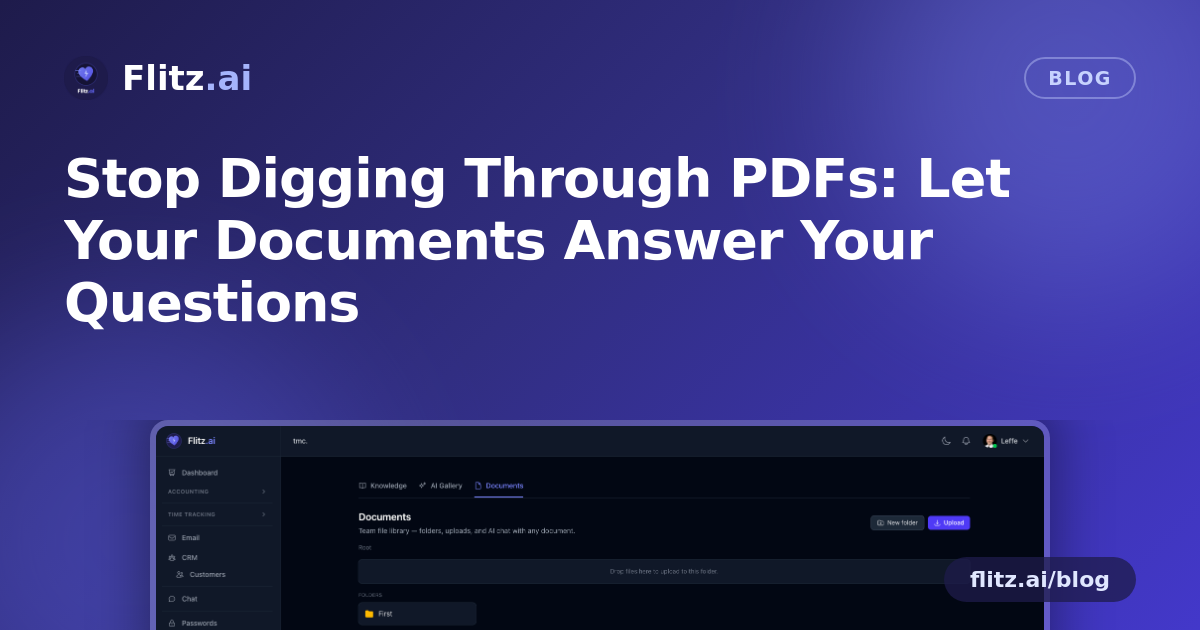
Flitz's Documents module keeps the parts of file management you'd expect — folders, drag-and-drop upload, breadcrumb navigation, inline rename, a smart preview pane that shows PDFs, images, and text without forcing a download. Nothing unfamiliar so far.
The difference shows up when you click on a file. Every document in Flitz is a chat partner. Ask it directly:
- "When does this contract expire?"
- "What's the travel reimbursement rate in this policy?"
- "What's the delivery lead time on this spec sheet?"
- "What's the invoice total and due date on this scan?"
The AI reads the document — PDF text extraction, OCR for images and scans — and answers in plain language, with the exact source paragraph cited so you can verify it in seconds rather than trusting a black box.
It works on scans too
A lot of Swiss SME paperwork still arrives as a scanned invoice, a photographed delivery note, or a PDF that's really just an image with no underlying text layer. Standard search tools skip right past these. Flitz applies AI vision-based OCR to images and combines it with pdftotext extraction for native PDFs, so both clean digital contracts and messy scans are equally askable. You don't need to know in advance whether a file is "searchable" — you just ask it.
Built for how Swiss SMEs actually store information
Folders and versions still matter, so Documents keeps that structure intact: breadcrumb navigation to move around large folder trees, inline rename when a filename no longer makes sense, and author tracking with version history so you can see who uploaded what and when. If a colleague replaces the "final" contract with an actual final version, you know exactly which one you're chatting with.
Because this sits inside a Swiss all-in-one business platform, sensitivity is treated seriously: storage is tenant-isolated and files are encrypted at rest, meaning your contracts and HR files stay inside your own tenant boundary — not pooled with other customers' data, not exposed by a shared link that outlives its purpose.
Where this saves the most time
A few situations where per-document chat pays for itself almost immediately:
- Contracts: expiry dates, notice periods, renewal terms — without reading the whole agreement again.
- HR and travel policies: reimbursement rates, approval thresholds, sick-leave rules — answered instantly instead of interrupting the office manager.
- Spec sheets: technical details buried in supplier documentation.
- Scanned invoices: totals, dates, VAT amounts pulled straight from the image, no manual re-typing.
None of this requires downloading the file, opening a separate PDF reader, or scrolling. You stay inside the same view, ask the question, and get an answer with its source cited right next to it.
Less searching, more answering
The goal isn't to replace the folder structure your team already understands — it's to remove the part where a file sits there being unhelpful until someone manually reads it. When every document can answer for itself, the fifteen minutes you used to spend hunting for one clause on a Friday afternoon becomes fifteen seconds of typing a question.
That's the quiet, practical upgrade Flitz Documents brings to everyday Swiss SME operations: not a new place to store files, but a smarter way to get the answer already sitting inside them.