
Quarter-End Without the Browser-Tab Chaos: Running Flitz as a Native Mac App
A look at how a small Swiss business could get through a hectic quarter-end close without losing track of invoices, messages, and approvals — by running Flitz as a native Mac app.
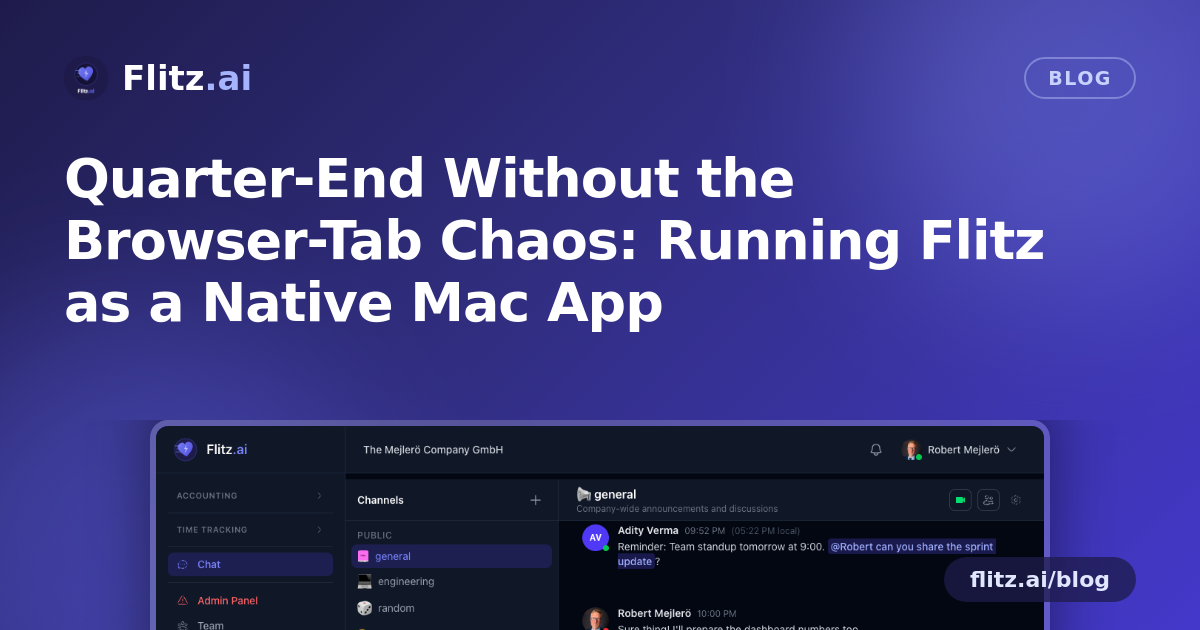
Picture a small Swiss engineering office with five employees, mid-way through quarter-end close. Invoices need to go out before the MWST deadline, the fiduciary is asking for bank reconciliation exports, a new hire's HR paperwork is due, and three client emails are sitting in the CRM waiting for replies. Nothing here is unusual — it's an ordinary week for most Swiss SMEs. What makes it stressful is not the volume of work, it's the number of browser tabs it takes to manage it.
This is the kind of scenario where a dedicated, always-on app — rather than "yet another tab" — quietly changes how the day feels.
The problem: everything lives behind a tab you forgot about
When your accounting, invoicing, banking, CRM, and HR modules all run in a browser, they compete with everything else open on screen: client research, a spreadsheet, a video call. A new message from a client about an overdue invoice arrives, but it's buried under four other tabs. An approval request from HR for the new hire's contract sits unread for hours. By the time someone notices, the quarter-end timeline has slipped a little further.
None of this is a workflow failure — it's a visibility failure. The information was there; it just wasn't surfaced at the right moment.
Running the close as a native app
Now picture the same office running the Flitz native macOS app instead of a browser tab. The platform itself hasn't changed — it's the same accounting, invoicing, banking, CRM, and HR modules — but how the team interacts with it during a busy stretch looks different.
Morning: invoices and the dock badge
The office manager opens the Mac in the morning and immediately sees a dock badge showing unread messages — three client replies and one internal note from the fiduciary. No need to open the app and scan every module; the badge count alone tells her there's work waiting. She clears the invoicing queue for the quarter, sends out the remaining bills, and the badge count drops as she goes.
Midday: a client message arrives while she's in a spreadsheet
While she's deep in a separate reconciliation spreadsheet, a native OS notification pops up: a client has replied about a disputed invoice. Because it's a native notification — not something hidden in a browser tab — it reaches her the same way a calendar reminder or a Slack message would. She can respond within minutes instead of discovering the message hours later when she happens to switch tabs.
Afternoon: closing the app without losing anything
She needs her laptop screen free for a client call, so she closes the Flitz window. Normally, closing an app this central to daily operations would feel risky — did it just quit? Did it stop syncing? With the system tray behavior, Flitz simply hides and keeps running in the background. When the call ends, she reopens it and everything — the invoicing queue, the CRM thread, the HR approval — is exactly where she left it.
End of day: HR approval for the new hire
The new hire's onboarding paperwork needs a manager's sign-off before end of day. Instead of a reminder email getting lost in an inbox, the HR module's unread item shows up in the same dock badge count and triggers a native notification. The approval happens before the manager leaves the office, instead of slipping into tomorrow's to-do list.
Why the mechanics matter more than they seem to
None of this relies on new features inside accounting, invoicing, CRM, or HR — it's the same Flitz platform. What changes is how quickly information reaches the person who needs it, and how little friction there is in keeping the app open all day:
- Lightweight by design: the native macOS app is just 3.5 MB, so it installs in seconds and doesn't weigh down a machine that's already running accounting software, email, and a browser full of tabs.
- Stays running without getting in the way: the system tray with hide-on-close means closing the window doesn't mean losing your place or stopping sync — it just gets out of your way.
- Notifications you actually see: native OS notifications for new messages behave like any other app on the Mac, rather than being invisible unless the browser tab is active.
- One glance, one number: the dock badge count gives an at-a-glance sense of what's outstanding — invoicing replies, HR approvals, CRM follow-ups — without opening anything.
- Nothing to maintain: the app auto-updates whenever the web platform updates, so there's no separate version to install or patch manually.
The bigger picture for Swiss SMEs
Quarter-end closes, audits, and onboarding a new employee all share the same underlying challenge: multiple modules need attention within a short window, and missing a message or approval has a real cost — a late MWST filing, a frustrated client, a delayed start date. A lightweight native app doesn't replace good processes, but it does remove one of the quiet reasons things slip: information that exists but isn't visible when it matters.
For a small office juggling accounting, banking, CRM, and HR at once, that's a meaningful difference — not because the software does more, but because it's finally easy to notice when it needs your attention.
The work doesn't change. What changes is how fast you notice it needs doing.