
From Spreadsheet Chaos to Audit-Ready: A Step-by-Step Guide to GDPR & DSG Compliance in Flitz
Most Swiss SMEs run data protection through scattered Word docs and half-finished spreadsheets. Here is a practical, numbered walkthrough for moving that mess into one automated workspace.
If you ask most Swiss SME owners how their data protection documentation is organised, the honest answer is usually: "somewhere in a folder." A processing register that hasn't been updated since a consultant built it, a subprocessor list that's missing the new email marketing tool, and a breach response plan that exists only as an idea in someone's head. It works — until a data subject request lands in your inbox, or worse, until you actually have an incident and need to know whether you have 72 hours or "as soon as possible" to notify the authorities.
The reason this stays messy isn't laziness. It's that GDPR and the revised Swiss DSG (revFADP) are two overlapping rulebooks with different deadlines, different registers, and no shared home. Below is a practical path for consolidating that work into a single, automated workspace — using the structure Flitz applies to this problem.
Step 1: Set up your controller register and DPO record once
Before anything else, you need one authoritative answer to "who is responsible for what." Instead of manually filling out controller details, DPO contact information, and EU representative fields across multiple documents, an AI interview asks you the relevant questions once and builds the register for you. This becomes the single source of truth other modules pull from — no re-typing your company details into five different templates.
Step 2: Build your Art. 30 processing register (ROPA) without starting from a blank page
The Records of Processing Activities register is usually the biggest time sink: legal basis, retention periods, recipients, purposes — for every single processing activity. Rather than manually drafting this from scratch, the AI interview pre-fills the form based on what it already knows about your business, and you review and adjust rather than author from zero. Every entry is automatically tagged to the jurisdiction it belongs to, so GDPR and DSG requirements don't get tangled together.
Step 3: Get your subprocessors mapped automatically
Art. 28 requires a current list of subprocessors — the payroll provider, the cloud host, the analytics tool. Instead of chasing this list manually, auto-discovery scans your environment for likely subprocessors, and if you upload existing Data Processing Agreements as PDFs, AI extraction pulls the structured fields (parties, purpose, safeguards) straight out of the document. What used to be an afternoon of copy-pasting becomes a few uploads and a quick review.
Step 4: Run a DPIA threshold check with one click
Not every processing activity needs a full Data Protection Impact Assessment, but figuring out which ones do is its own research project under Art. 35. One click runs an AI risk analysis against your registered activities and, where warranted, drafts the full DPIA for you to review. This turns a task many SMEs skip entirely (because it's intimidating) into something that actually gets done.
Step 5: Handle Data Subject Requests on a clock you can't lose track of
When someone asks "what data do you hold on me," the 30-day statutory clock starts immediately, and manually tracking that in an inbox is how deadlines get missed. The request module starts the clock automatically, lets you apply the one-click +60-day extension when a case is genuinely complex, and generates an exportable Art. 15 bundle so you're not manually assembling records from four different systems.
Step 6: Know your breach deadline before you need it
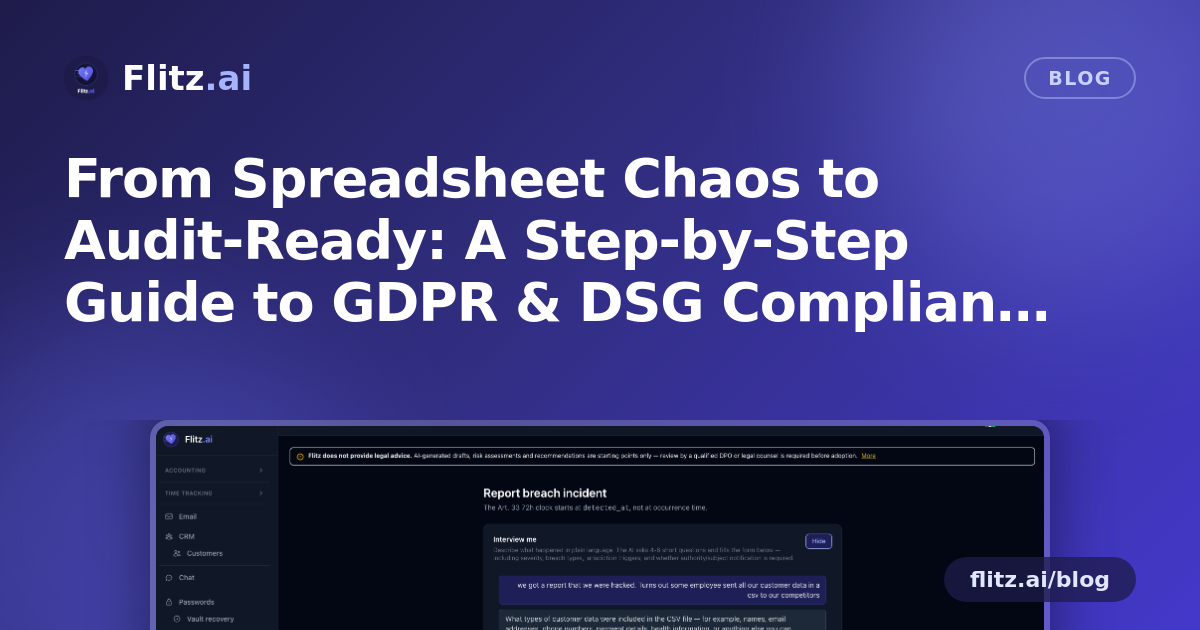
This is where jurisdiction-awareness matters most. Under GDPR you generally have 72 hours to notify the authority; under the Swiss DSG the standard is "as soon as possible" — a different, less mechanical clock. The breach incident log applies the correct deadline automatically depending on where the affected data sits, and AI drafts both the authority notification and the subject notification so you're editing a document, not writing one under pressure.
Step 7: Generate your technical and organisational measures (TOMs)
Art. 32 requires documented technical and organisational measures, but writing these from scratch tends to produce either generic filler or nothing at all. The baseline generator produces concrete, bullet-point measures across 12 categories, tailored to your tenant's actual setup, giving you a real starting document instead of a blank page.
Step 8: Train your team and prove it
Documentation only matters if your staff actually know the rules. Employee training assignment sends email invitations, tracks "I have read and understood" attestation tokens per person, and lets you send one-click reminders to stragglers — so when someone asks for proof of training, you have a timestamped record instead of a memory of a meeting.
Step 9: Turn drafts into approved documents
Every AI-drafted document lives in a document library with PDF export and a "Mark as reviewed" workflow that swaps the draft watermark for an approval stamp once your DPO signs off. This matters: Flitz does not provide legal advice, and every AI draft requires DPO review before it becomes an official record — a disclaimer that appears on every page, by design.
Step 10: Share proof externally without exposing your whole system
When an auditor, insurer, or business partner needs to see your compliance posture, you don't want to grant system access. A public auditor dossier — password-gated, with expiry and revocation — lets you share a token-authenticated snapshot that needs no login on their end and can be switched off the moment it's no longer needed.
What changes once this is running
The point isn't to replace your DPO or your legal counsel — it's to stop losing hours to manual form-filling, spreadsheet reconciliation, and deadline-tracking across two legal regimes. Every record already knows whether it lives under GDPR or DSG, so you're not manually cross-referencing which rule applies. You can explore how this fits into a single workspace alongside your books on the Flitz GDPR & DSG compliance feature page.