
Invoice Chaos vs. Email Invoice Intake: An Honest Comparison for Swiss SMEs
Spreadsheets, forwarded emails, and disconnected scanning tools have kept Swiss SMEs afloat for years. Here's an honest look at when that still works — and when automated email invoice intake clearly wins.
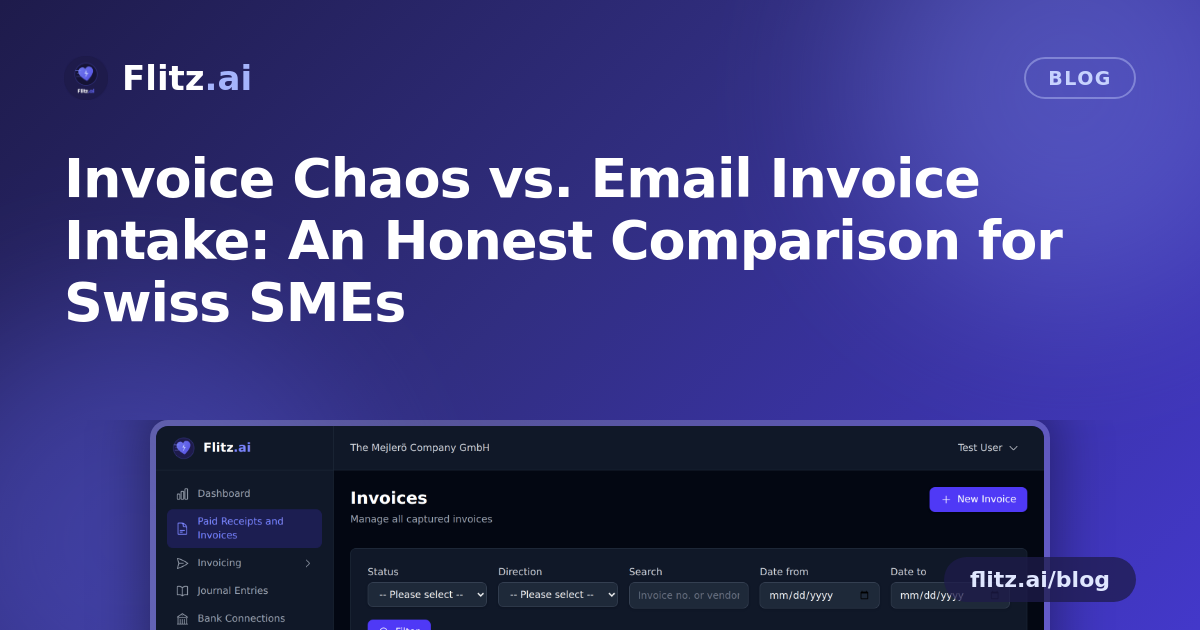
Every Swiss SME has a system for handling incoming invoices. Usually it looks something like this: a vendor emails a PDF, someone forwards it to the bookkeeper, the bookkeeper types the amount and VAT into a spreadsheet, and eventually it gets paid — hopefully before the reminder arrives. It works. But "works" and "efficient" are not the same thing.
Before pitching anything, it's worth being honest about why this manual approach has survived so long, and where it genuinely starts to break down.
The Old Way: Spreadsheets, Email Chains, and Point Tools
For a sole proprietor with three invoices a month, a spreadsheet and a shared inbox folder is perfectly reasonable. There's no setup, no subscription, and no learning curve. The trade-off only becomes visible as volume grows.
- Manual data entry is slow and repetitive. Typing vendor name, invoice number, amount, VAT rate, and IBAN by hand takes several minutes per document — and that time scales linearly with every new supplier relationship.
- Email chains lose context. An invoice forwarded three times with "see below" comments is easy to lose track of. Did finance see it? Was it approved? Is it paid? Nobody wants to scroll through a thread to find out.
- Point tools don't talk to each other. A scanning app that extracts text but doesn't push it into accounting software just moves the manual work one step downstream. You still have to copy-paste or re-key the data somewhere else.
- QR-Rechnung references get mistyped. Swiss QR payment slips exist specifically to reduce payment errors, but if someone is transcribing the reference number by hand, that benefit disappears.
- Errors compound at month-end. A wrong VAT rate or missed invoice is a small issue in isolation — until your fiduciary has to reconcile the books and finds a dozen of them.
None of this makes an SME badly run. It simply means the system was built for a lower volume than the business has grown into.
Where the Manual Approach Still Holds Up
To be fair: if invoice volume is genuinely low, and the same one or two people always handle it, a spreadsheet costs nothing and causes no harm. Automation has setup overhead, even if it's small. The honest advice is not "automate everything" — it's "automate once the manual cost outweighs the switching cost," which for most growing Swiss SMEs happens sooner than expected, often around the point where invoices arrive daily rather than weekly.
The Integrated Approach: Email Invoice Intake
This is the problem Email Invoice Intake is built to solve. Instead of forwarding invoices into a black hole or a to-do pile, you forward them to your dedicated Flitz.ai inbox and the AI takes it from there.
What actually happens in those 30 seconds
- Any format works. PDF, JPG, PNG, and other common formats are all accepted — a photo taken on a phone at a supplier's counter is processed the same way as a formal PDF invoice.
- AI OCR reads the whole document. Invoice number, vendor name, individual line items, totals, and VAT are extracted automatically, without anyone retyping a single figure.
- QR-Rechnung is detected automatically. Swiss QR payment references are recognized and matched, removing the exact manual-transcription step that causes payment errors in the first place.
- IBAN and bank details are extracted for payment matching. That means fewer mismatched payments and faster reconciliation when it's time to settle the books.
- It's fast. Processing per invoice takes under 30 seconds, regardless of whether it was a clean PDF or a slightly crumpled photo from a van dashboard.
Weighing the Trade-offs Honestly
Automation isn't magic, and it's worth naming the real trade-offs rather than glossing over them:
- Setup time. You need to redirect your invoice emails (or ask vendors to send to) the Flitz inbox. This is a one-time change, not a daily cost.
- Trust in extraction accuracy. AI OCR is fast, but any new process benefits from a quick human glance during the first weeks until a business trusts the pattern on its own invoices.
- It only helps if it's connected. A standalone OCR tool that extracts data but dumps it into another spreadsheet reintroduces the exact disconnection problem described above. The value comes from extraction feeding directly into the same platform that handles accounting, banking, and payments — not from OCR as an isolated feature.
That last point is really the core of the comparison. A point solution that only does one job well still leaves you stitching systems together manually. An integrated approach — where invoice intake, VAT handling, and payment matching live in the same place — removes the stitching altogether.
What Consolidation Actually Buys an SME
For a Swiss SME processing even a modest number of supplier invoices per week, the math is straightforward: minutes saved per invoice multiplied by every invoice, every week, every month. But the bigger win isn't just time. It's fewer VAT errors at quarter-end, fewer payment mismatches from mistyped IBANs, and a clear, searchable record of every invoice instead of a scattered email trail.
For office managers juggling a dozen responsibilities, and for fiduciaries closing the books for multiple clients, that reliability matters as much as the speed. The old way isn't wrong — it's just a system designed for a smaller version of the business than the one that exists today.