
Stop Hunting for Spreadsheets: What Manual IT Asset Tracking Really Costs Swiss SMEs
Tracking laptops, monitors, and licences in spreadsheets quietly eats hours every week. Here's what that really costs — and how automated IT inventory gets the time back.
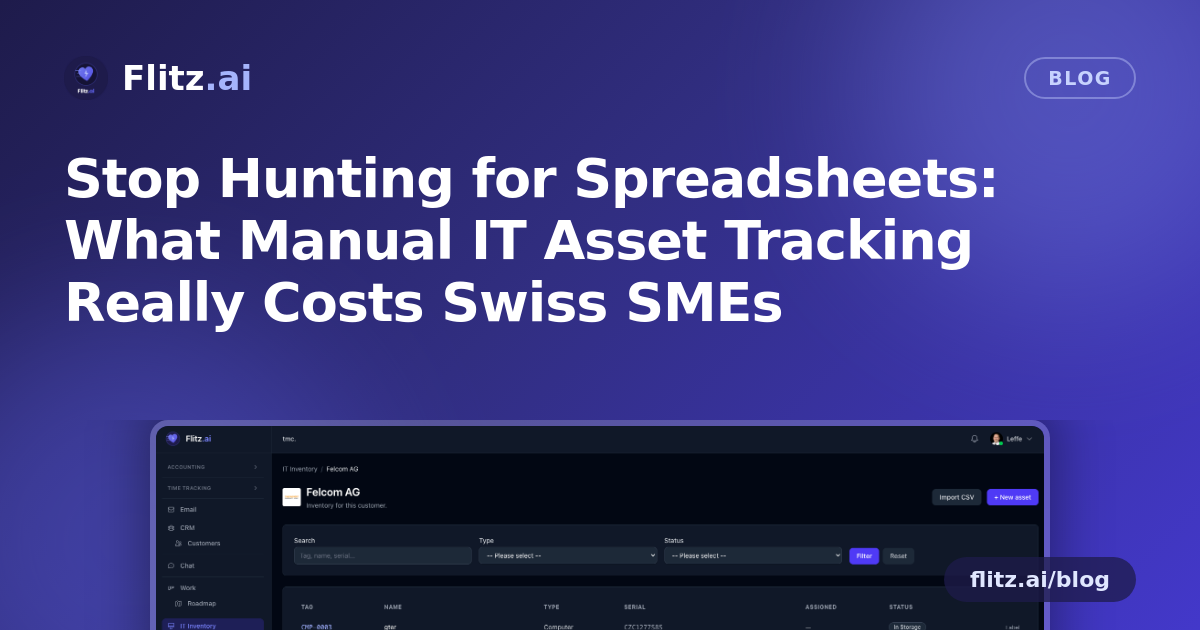
If you manage IT for even a handful of customers — or just for your own growing team — you probably have a spreadsheet somewhere called "assets_final_v3.xlsx". It has gaps. Someone forgot to update it after the last laptop swap. Nobody is quite sure which monitor belongs to which desk anymore. This is normal. It is also quietly expensive.
The hidden hours in "just tracking devices"
Ask most office managers or IT-adjacent staff how long they spend per week on device tracking and they'll say "not much." Then you add it up: logging a new laptop purchase, hunting for a serial number when a warranty claim comes in, updating a spreadsheet after an employee leaves, answering "which licences do we actually have" before a software audit, printing and sticking on a label by hand, checking whether a machine still has critical updates missing.
None of these tasks takes an hour on its own. But for a small team managing IT across even three to five customers, these small interruptions realistically add up to three to six hours a week — spread across searching, re-entering, chasing colleagues for information, and fixing mistakes in outdated records. At a loaded cost of CHF 80–120 per hour for skilled technical or administrative staff, that is roughly CHF 1,000–2,500 a month spent on work that produces no new value — just friction.
And that estimate does not include the cost of what manual tracking misses entirely: a critical patch that never gets applied because nobody noticed, a vulnerability that sits open for weeks, or a lost laptop with no record of what was on it.
Why spreadsheets break down specifically for IT
Spreadsheets fail at IT asset management for a structural reason: devices change state constantly. OS versions update, IP addresses shift, patch status changes daily, and hardware gets swapped between people and customers. A static spreadsheet is out of date the moment someone closes it. For a fiduciary or managed-service provider handling multiple customers, the problem multiplies — each customer's inventory, licences, and patch exposure need to stay separate, accurate, and quickly searchable, often under time pressure during a support call or audit.
What automated inventory actually removes from your week
Flitz's IT Management module is built around the specific tasks that eat time in manual tracking, not around a generic asset list.
No more re-entering what already exists
Each customer gets their own inventory, so there's no mixing records across accounts. If you already have device data somewhere, a CSV bulk import — with both German and English column aliases — gets you set up in minutes instead of a day of manual entry.
No more guessing which device is which
Print-ready 62×29 mm Brother QL labels, with the customer's logo on top, turn a physical device into something anyone can identify instantly. Scan the label and same-tenant users land directly on the asset record; outside users see a minimal public card. No more opening three systems to confirm a serial number during a support call.
No more manually checking patch status device by device
This is where the real time savings show up. With the built-in Action1 integration, each customer's managed computers sync in automatically — hourly, matched by MAC address and serial number, with live telemetry including OS, CPU, RAM, IP, and last-seen time. Missing critical updates per device and the open-CVE count per customer are visible right in Flitz, with one-click jumps to patch management and remote desktop. The task of checking "is everything patched" across dozens of machines, which used to mean logging into a separate tool and cross-referencing, becomes a glance.
No more being the single point of contact for every device question
Customers can manage their own devices through their portal — filtering, searching, creating, and editing entries themselves. Questions that used to land in your inbox ("where's the laptop for the new hire," "what's the MAC address on this machine") get answered without you touching a keyboard.
Translating hours into focus
The point of removing three to six hours a week isn't just the francs saved, though at CHF 1,000–2,500 a month that adds up fast over a year. It's what a small team does with hours that are no longer spent re-typing serial numbers or chasing down outdated records. That time moves toward actual client work, proactive patching before something becomes a problem, or simply fewer interruptions during the day. For a lean Swiss SME or fiduciary managing IT on the side, that's often the difference between IT feeling like a drain and feeling under control.
Good asset tracking shouldn't be a part-time job for someone whose actual job is something else.
If device tracking, labelling, and patch visibility currently live in a spreadsheet, a shared drive, and someone's memory, it's worth asking how many hours a week that setup is quietly costing — and what your team could do with them instead.