
Spreadsheets, Email Chains, and Ten Browser Tabs: Is That Really How You Run Your Business?
Most Swiss SMEs run their business through a patchwork of spreadsheets, email threads, and disconnected tools. Here's an honest look at what that costs you — and how a native desktop app changes the equation.
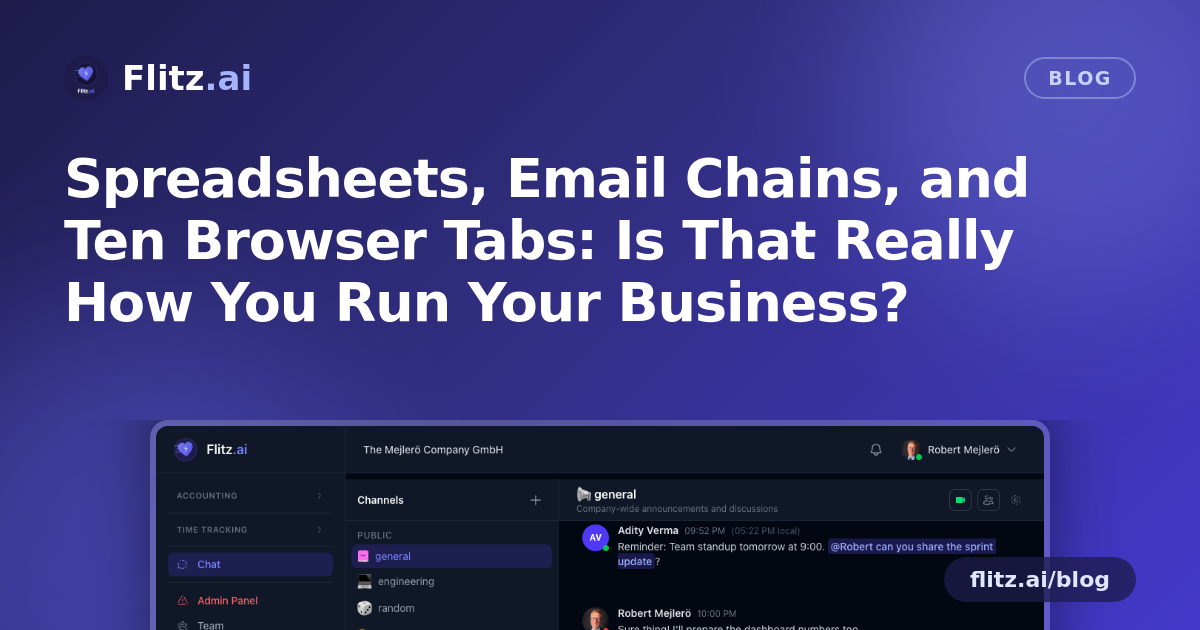
Walk into almost any Swiss SME office and you'll find the same setup: an accounting spreadsheet someone started three years ago, an inbox with folders named "Invoices 2023," "Invoices 2024 FINAL," and "Invoices 2024 FINAL_v2," and a handful of browser tabs for banking, CRM, and HR tools that don't talk to each other. It works. Until it doesn't.
The old way: flexible, familiar, and quietly expensive
Spreadsheets and email chains persist because they're cheap, flexible, and everyone already knows how to use them. There's no denying that. You can build a spreadsheet in ten minutes to track anything, and email requires no onboarding.
But the costs show up over time, not upfront:
- Version confusion. Which spreadsheet is the real one? Who edited it last? Was that MWST rate updated everywhere?
- Context switching. Checking invoices means opening one tool, checking a customer's history means opening another, and checking your bank balance means yet another login.
- Missed messages. Important client emails get buried under newsletters. A quote request sits unread for two days because nobody was staring at that inbox.
- No single source of truth. Your accountant, your office manager, and you each have a slightly different version of "the numbers."
None of this is anyone's fault. It's what happens when a business grows faster than its tools.
The disconnected point-tool trap
Many SMEs try to fix the spreadsheet problem by adopting point tools — one app for invoicing, another for CRM, another for HR. This is a real improvement over raw spreadsheets, and it's an honest step forward. But it introduces a new problem: fragmentation.
Each tool has its own login, its own notification system, its own browser tab to remember to check. You end up doing manual data entry between systems, or worse, not connecting them at all and living with blind spots. A new invoice paid through your bank doesn't automatically update your CRM. A new HR request doesn't show up where your accounting team is looking.
Point tools solve depth. They don't solve the coordination problem.
What consolidation actually buys you
This is where an integrated platform — accessed through one consistent interface — starts to pay off. Not because any single module is flashier than a dedicated competitor, but because everything lives in one place, updates in real time, and speaks the same language.
Flitz brings accounting, invoicing, banking, CRM, HR, and more than 25 other modules into a single platform. And now, for macOS users, that entire platform is available as a native desktop app — not a bookmarked tab, but a real application that behaves like one.
What the native app actually does
- Just 3.5 MB. It's genuinely lightweight — no bloated installer, no long download, no noticeable drag on your machine.
- System tray with hide-on-close. Close the window and Flitz keeps running quietly in the background, ready the moment you need it — no re-login, no reloading dashboards.
- Native OS notifications. New messages surface the same way a calendar reminder or Slack ping would — impossible to bury in a browser tab you forgot was open.
- Dock badge count. A glance at your dock tells you exactly how many unread items are waiting, the same way you'd check unread emails or messages.
- Auto-updates. When the web platform updates, the desktop app updates with it. No manual downloads, no version mismatches between your team.
Honest trade-offs
To be fair, a native app isn't magic. If your team is used to living in a browser and juggling tabs, there's a small adjustment period. And right now, the native app is built for macOS — Windows and Linux users continue to get the full platform through the web app, which remains identical in functionality.
It's also true that consolidation asks something of you upfront: migrating data, retraining habits, letting go of "the spreadsheet that works fine, actually." That's a real cost, and it's fair to weigh it.
Why it tends to win anyway
The trade-off usually resolves in favor of consolidation once you count the hours lost to switching tools, chasing down the "final final" file, or missing a message that mattered. A lightweight app that sits in your dock, notifies you the moment something needs attention, and gives you your entire business — accounting, invoicing, banking, CRM, HR — in one native window removes friction you'd stopped noticing because you'd gotten used to it.
For a Swiss SME owner or office manager already stretched across a dozen responsibilities, that's not a nice-to-have. It's time and attention returned to the parts of the business that actually need it.