
The Personnel Spreadsheet Is Lying to You: Why Swiss SMEs Need Real Staff Files
Scanned passports on a shared drive, three versions of the same spreadsheet, no idea who's actually a freelancer. Here's how proper staff files fix it.
It's a Friday afternoon and someone needs an emergency contact for a contractor who just had an accident on site. You open the spreadsheet. It's not the current one — that's on someone else's laptop. You check the shared drive. The passport scan is there, but the CV is missing, and nobody remembers if this person is on payroll, placed through an agency, or invoicing you as their own company. Sound familiar?
This is the everyday reality for a lot of Swiss SME owners and office managers. HR data ends up scattered across a personnel spreadsheet, a folder of scanned IDs on a shared drive, a few emails with CVs attached, and whatever's in someone's head. It works — until it doesn't. And it always doesn't work at the exact moment you need it most: an audit, an accident, a payroll question, or a new hire who needs onboarding fast.
The real cost of scattered HR data
The problem isn't that Swiss businesses don't care about their people. It's that HR information tends to live in too many places at once. Payroll has one version of the employee list. HR has another. Nobody has checked whether they match since the last person left. Passport copies and CVs sit on a shared drive with no access control, no checksum, no record of who opened them last. If a contractor's employment status matters for MWST or social insurance purposes, you're often relying on memory rather than a documented record.
None of this is anyone's fault — it's just what happens when HR tools weren't built with Swiss SME reality in mind: a mix of employees, contractors placed by vendors, and freelancers invoicing through their own companies, all needing to be tracked differently, all needing the same basic personal and emergency information on file.
One registry, not three copies of the truth
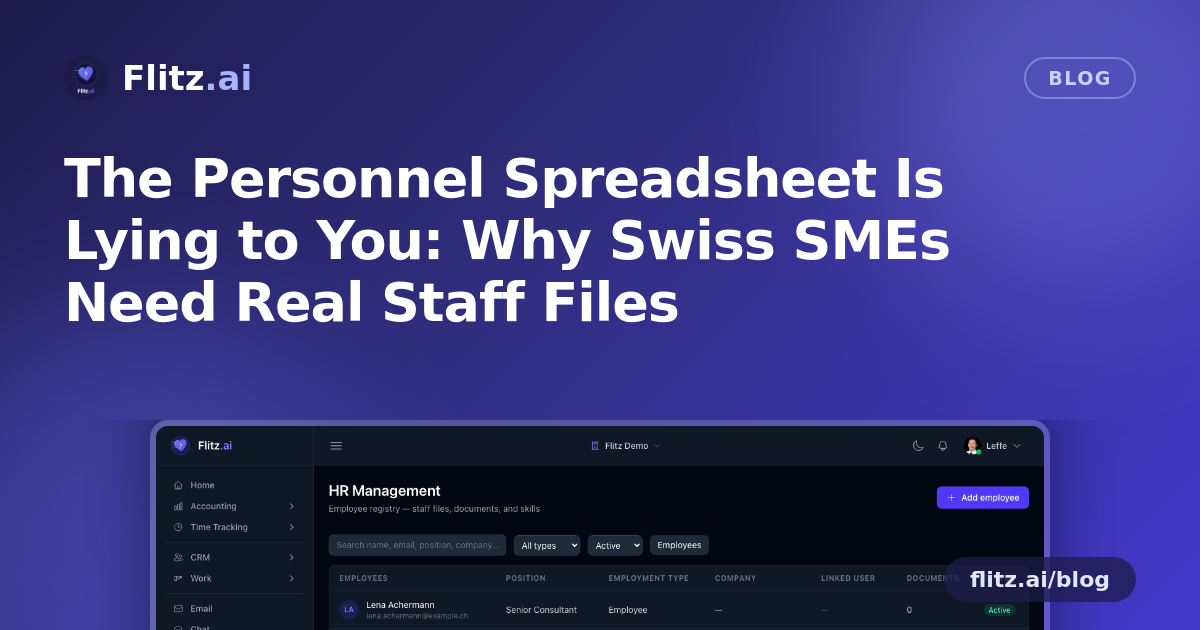
Flitz's HR Management module starts from a simple idea: everyone who works for you should live in one shared registry — the same one Payroll uses. No duplicate person records to keep in sync, no risk that HR has a different phone number for someone than payroll does. Update it once, and it's correct everywhere.
Each person gets a staff file that reflects how they actually work with you, not a one-size-fits-all "employee" box:
- Employee — on your payroll, full record maintained in one place
- Contractor — with the placing vendor recorded alongside them
- Freelancer — with their own company on record for invoicing
That distinction matters for a Swiss SME juggling different insurance, contract, and invoicing obligations depending on who's actually doing the work.
No more shared drive full of scanned passports
Passport and ID copies, CVs — these are sensitive documents, and "somewhere on the shared drive" is not a storage strategy. In Flitz, staff documents live on private storage with SHA-256 checksums on every file, hardened downloads, and a full audit trail: every upload, download and deletion is logged. If you ever need to show who accessed a file and when, the answer is already there.
Access itself is restricted to Owner and Admin roles. Personnel data — passports, emergency contacts, salary-linked details — is never visible to the whole team by default. That's not a bureaucratic nicety; it's basic data protection done properly.
Let the CV do the data entry
Nobody enjoys manually transcribing skills and certifications from a CV into a spreadsheet column. Upload a CV to a staff file in Flitz and the AI extracts skills, languages and certifications automatically, turning them into searchable chips on the profile. Need to find everyone who speaks French and holds a specific certification? It's a search, not an archaeology project.
Emergency contacts you can actually reach
Every staff file includes an emergency contact and a one-tap WhatsApp link. When something goes wrong and minutes matter, you don't want to be scrolling through old emails looking for a phone number. It's on the file, ready to use.
Training and logins, connected automatically
Link a staff file to its Flitz login and completed training courses — including quiz scores — appear in the file automatically. No more chasing certificates of completion or maintaining a separate training log. If you need to prove someone completed mandatory training, it's already sitting in their record.
What this actually changes day to day
Replacing the personnel spreadsheet and the shared drive with one registry means:
- Payroll and HR always agree, because they're reading the same data
- Employment type — employee, contractor, freelancer — is documented, not assumed
- Sensitive documents are checksummed, access-logged, and restricted to management roles
- CVs feed skills and certifications into searchable profiles automatically
- Emergency contacts and training records are exactly where you'd look for them
None of this requires a new process or extra admin work — it happens as a natural side effect of hiring, onboarding, and running training through the same platform. The Friday-afternoon scramble for an emergency contact, or the compliance question you can't quite answer with confidence, stops being a recurring event and becomes a non-issue.