
5 Process Documentation Mistakes Swiss SMEs Keep Making (and How to Fix Them)
From tribal knowledge to zombie Visio files, most Swiss SMEs make the same process documentation mistakes. Here's how to spot and fix each one.
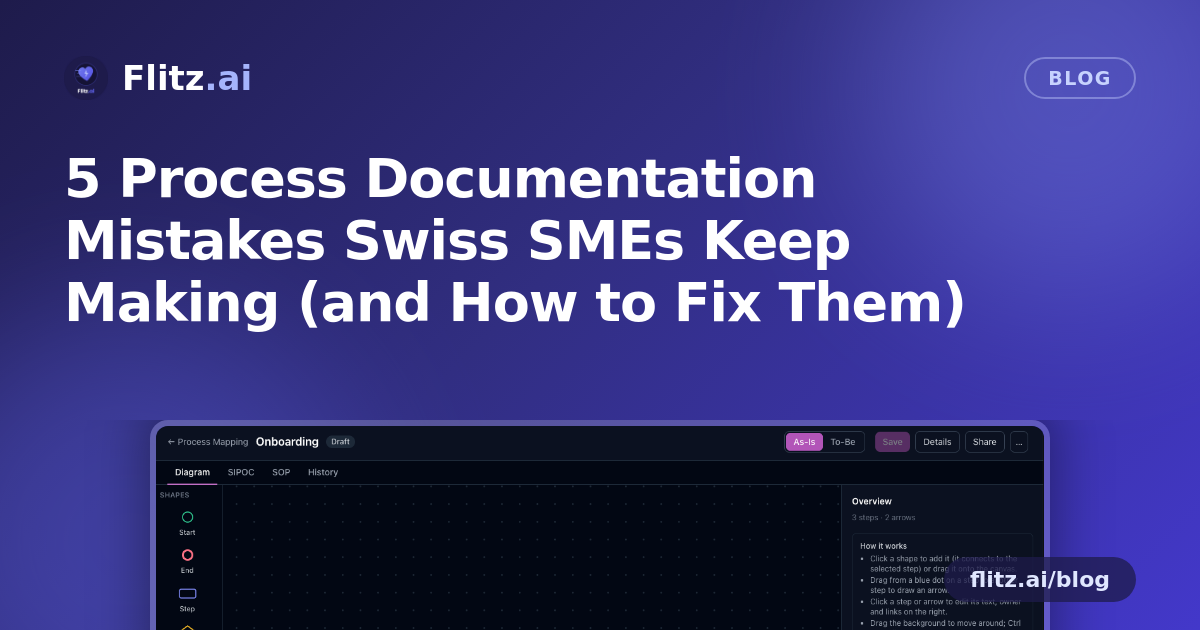
Ask any Swiss SME owner where their core processes are documented, and you'll often get a pause, a shrug, or a vague pointer to "ask Markus, he knows how that works." This isn't a people problem. It's a tooling and habit problem. Most businesses never set out to run on tribal knowledge — it just happens, one shortcut at a time, until the actual process lives in someone's head, an outdated Visio file, or a Word document buried three folders deep.
Here are the five mistakes we see most often, why they're so common, what they quietly cost, and how the right approach to process mapping avoids them.
Mistake 1: Letting processes live only in people's heads
When a company is small, documenting "how we do things" feels like overhead. Everyone just knows. The trouble starts the moment someone goes on holiday, leaves, or gets sick — and suddenly the steps for onboarding a new client, closing the books, or handling a return have to be reconstructed from memory, often incorrectly.
This costs more than frustration: it costs onboarding time for every new hire, inconsistent output when different people improvise differently, and real risk when a single person becomes a single point of failure. A visual canvas that lets any team sketch start and end points, steps, decisions, and waits — with AI able to draft a first version from one sentence like "process to delete personal data" — removes the excuse. If writing it down takes two minutes instead of two hours, it actually gets done.
Mistake 2: Documenting a process once and never updating it
The classic outcome of a one-off documentation project: a diagram made in Visio or Lucidchart, exported as an image, pinned somewhere, and never touched again. Six months later, the real process has changed three times, but the diagram hasn't — so nobody trusts it, and everyone goes back to asking colleagues instead.
The fix isn't "try harder to remember to update it." It's keeping the As-Is and the To-Be version side by side with improvement notes attached directly to the diagram, and version history with one-click restore so updating a process is as low-friction as editing a shared document, not a design project.
Mistake 3: Treating process diagrams and reality as separate things
A flowchart that lives in a design tool, disconnected from the forms, chats, and systems where the actual work happens, is decoration more than documentation. People look at it once during onboarding and then go back to the systems — the diagram stops being a working reference.
This is solved by linking each step directly to what it actually points to: API endpoints, Slack or Flitz Chat channels, Flitz forms, Google Forms or Docs, any web link, uploaded documents, or other sub-processes. The map stops being a picture and becomes the entry point into the work itself. You can see this in action on the process mapping feature page.
Mistake 4: Only ever describing what you already do
Most process documentation efforts stop at capturing the current state, which is useful for onboarding but does nothing to improve how the company actually operates. Without a structured way to compare "how we do it now" against "how we'd like to do it," improvement ideas stay as comments in a meeting that nobody acts on.
Keeping As-Is and To-Be versions of the same process — with AI able to derive a To-Be directly from your As-Is — turns process documentation into a tool for actual improvement, not just a historical record. A SIPOC read straight off the diagram, with every supplier, input, output and customer linked to its step, makes it easy to see where a change in one process ripples into another.
Mistake 5: Starting from a blank page every time
When a new employee, consultant, auditor, or department hands you a written procedure or a flowchart from a PDF, the usual next step is to redraw it from scratch in whatever tool your company happens to use — if anyone bothers at all. This is slow enough that it rarely happens, which means processes from outside the company (a fiduciary's checklist, a regulator's procedure, an acquired team's workflow) often never make it into your system at all.
Being able to import someone else's process from a PDF — whether it's a written procedure or a drawn flowchart — and have AI turn it into an editable map removes that barrier entirely. The same goes for format mismatches: a process can be viewed as a canvas, a SIPOC, or a numbered SOP ready to print or save as PDF, so you're not stuck reformatting the same content for different audiences.
What good process documentation actually requires
None of these mistakes happen because people are careless. They happen because documenting processes properly has traditionally required a separate tool, a separate habit, and separate effort from the actual work — so it gets skipped, or done once and abandoned.
The fix is making process documentation sit next to the work itself: department folders and sub-folders that mirror how your company is actually organized, sharing with colleagues as viewers or editors, publishing to the whole workspace, and a public read-only link to the To-Be SOP for anyone outside the company who needs it — an auditor, a new supplier, a client asking how you handle their data.
Replacing Lucidchart, Visio, or Process Street with a tool where processes live alongside the forms, chats, and systems they describe isn't about adding another app to the stack. It's about removing the reason process documentation goes stale in the first place.
A process diagram nobody updates is worse than no diagram at all — it creates false confidence. The goal isn't more documentation. It's documentation that stays true.
Where to start
Pick one process that currently lives only in someone's head — onboarding a client, closing month-end, handling a complaint — and map it as an As-Is first. Add a To-Be with your improvement ideas, link the steps to the actual forms and tools involved, and share it with the team that runs it. That's usually enough to show where the next mistake was about to happen.