
When the Auditor Asks "Can You Show Me That Process?"
Picture a Swiss SME mid-audit, scrambling to explain how expense approvals actually work. Here's how Process Mapping turns that scramble into a two-minute answer.
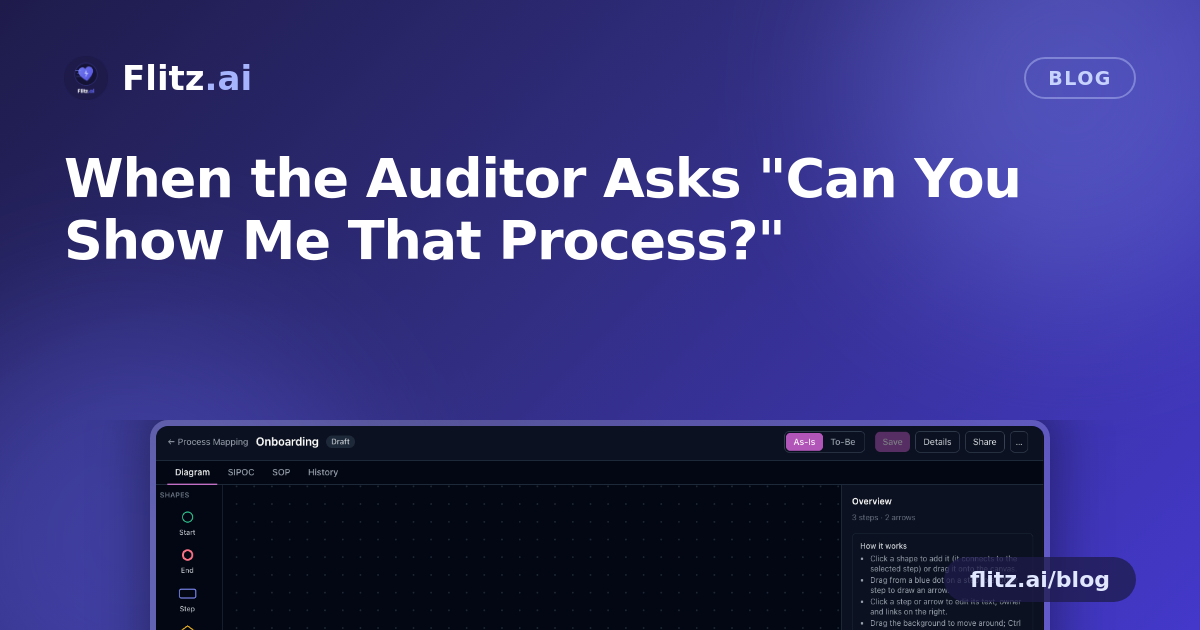
It's a familiar scene for many Swiss SMEs. An external auditor or a quality reviewer sits across the table and asks a simple-sounding question: "Can you walk me through how an invoice gets approved before it's paid?" Or "What happens when an employee leaves — who disables their system access?" In theory, someone knows. In practice, that someone might be on holiday, the process might have changed since the last time it was written down, and the only documentation is a Visio diagram from three years ago buried on a shared drive, or worse, nothing at all.
This is not a rare edge case. It is the normal state of process knowledge in a lot of small and mid-sized Swiss companies: processes live in people's heads, in outdated diagrams, or in a Word file nobody can find when it matters most.
The quarter-end scramble, illustrated
Imagine a small Swiss accounting or fiduciary firm preparing for a client's year-end review. The finance lead needs to demonstrate, clearly and quickly, how expense claims move from submission to MWST-compliant booking. There's a general sense of the steps — someone submits a receipt, a manager approves it, it gets booked, it gets paid — but no single source of truth shows the decision points, the systems involved, or what happens when a claim is rejected.
This is exactly the situation Process Mapping is built for. Instead of reconstructing the process from memory during a stressful meeting, the team opens a canvas and builds it properly, once, so it's ready whenever anyone asks.
Drafting the As-Is in minutes, not meetings
Rather than starting from a blank page, the team can describe the process in one sentence — something like "process for approving and booking employee expense claims" — and let AI draft a first version of the As-Is flow. It lays out start and end points, steps, decision diamonds, documents and systems automatically, left to right or top to bottom. From there, someone who actually does the work adjusts it: dragging a step onto an arrow to insert it into the flow, re-attaching arrow ends where the logic was wrong, and using standard Windows or Mac shortcuts to copy a sub-process from another map rather than redrawing it.
If a procedure already exists as a PDF — a written policy or an old flowchart — it doesn't need to be re-created from scratch either. Importing it lets AI turn that PDF into an editable map, which is particularly useful when a fiduciary inherits documentation from a previous bookkeeper or system.
Showing As-Is, To-Be, and everything in between
During the review, two things tend to matter: proving how the process actually works today, and showing that known gaps are being addressed. Process Mapping keeps an As-Is and a To-Be version of the same process side by side, with improvement notes attached directly to the diagram. If the As-Is shows that rejected claims currently have no defined re-submission path, that gap is visible — and the To-Be version, which can be derived automatically from the As-Is, shows exactly how it will be closed.
For the audit conversation itself, the same process can be viewed three different ways without redrawing anything:
- As a visual flowchart, for walking through logic and decision points
- As a SIPOC, read directly off the diagram, with every supplier, input, output and customer linked to its step
- As a numbered SOP, printed or saved as PDF for the auditor's file
The new hire case
The same setup pays off outside of audit season. When a new bookkeeper or office manager joins, instead of shadowing a colleague for two weeks to learn "how things are done here," they get a department folder of SOPs: onboarding, invoice approval, month-end close, data deletion requests. Each step in those maps links to where the work actually happens — a Flitz form, a Slack or Flitz Chat channel, an uploaded document, an API endpoint, or another process entirely. The process documentation sits next to the tools it describes, rather than as a separate artifact nobody opens.
Keeping it current
Processes drift. A supplier changes, a new approval step gets added informally, a tool gets replaced. Version history with one-click restore means a team can update the To-Be confidently, knowing any version can be brought back if a change turns out to be wrong. Sharing settings allow a process to be shown company-wide, shared with specific colleagues for editing or viewing, or published as a public read-only link — useful when an external partner or auditor needs to see the current SOP without being given access to anything else.
Replacing the diagram graveyard
None of this requires a dedicated process consultant or a separate modeling tool. It replaces the mix of Visio files, Lucidchart boards and Process Street checklists that tend to drift out of date precisely because they live apart from the daily work. When the process map sits next to the forms, chats and documents it actually points to, updating it stops being a special project and becomes part of how the team already works — which is exactly what makes it ready the next time someone, auditor or new hire, asks to see it.