
Stop Searching, Start Asking: A Step-by-Step Guide to Smarter Document Management
Tired of digging through folders to find that one clause in a contract? Here's a step-by-step guide to moving from manual file-hunting to asking your documents directly.
Every Swiss SME has the same quiet time-waster: someone needs to know when a supplier contract expires, what the travel reimbursement rate is, or what a scanned invoice actually says — and instead of an answer, they get a scavenger hunt. Open the shared drive. Guess the folder. Open three PDFs. Ctrl+F. Give up and email a colleague instead.
It's not a big problem any single day. But multiplied across a team, a year, hundreds of contracts and policies, it adds up to hours of lost focus. Here's how to move from that manual process to one where your documents answer questions themselves.
Step 1: Get everything into one place
Before any automation helps, your files need a single home. If your team currently splits documents between email attachments, a few shared drives, and someone's desktop, start by consolidating into one document library with proper folders.
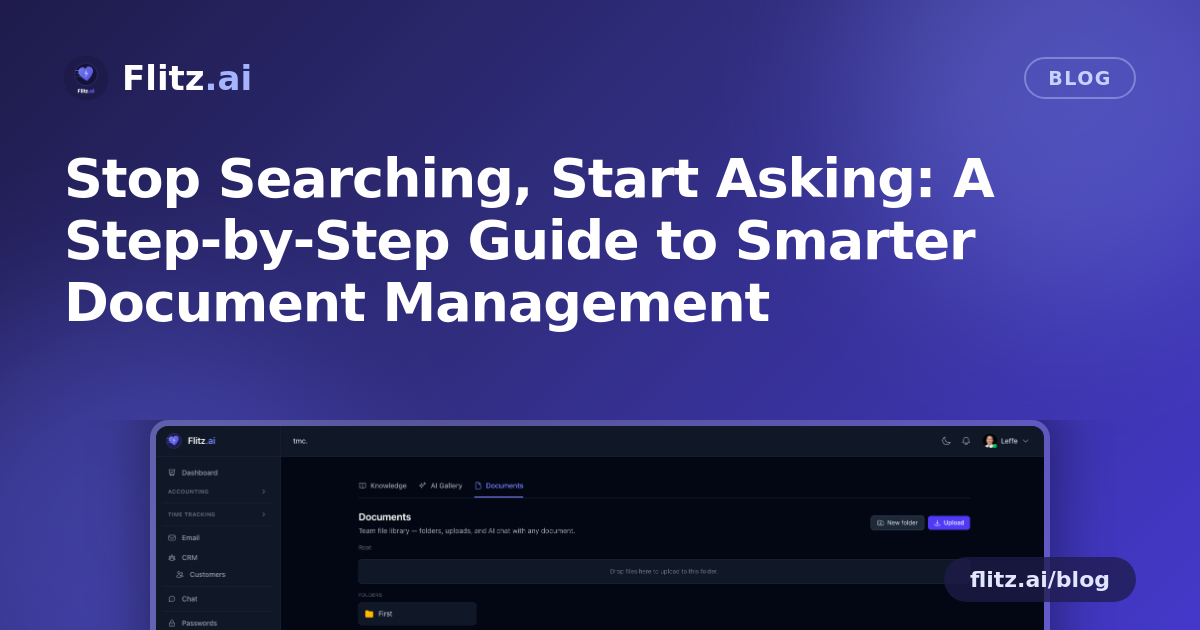
In Flitz Documents, this is a drag-and-drop operation. Create folders the way your business actually thinks — by client, by department, by year — and drag files in. Breadcrumb navigation keeps you oriented even several folders deep, and inline rename means you don't have to download a file just to fix a typo in its name.
What to expect: this step is mostly manual labor the first time, like any migration. Budget an afternoon for a small team's backlog. After that, new files take seconds to file correctly.
Step 2: Stop opening files to check what's inside
Once documents are uploaded, the next habit to break is downloading or opening files in a separate app just to glance at them. The smart preview pane renders PDFs, images, and text files directly in the browser — no download, no waiting for the right application to open.
What to expect: clicking a file feels instant. Scanned documents and photos display like any image viewer. This alone removes a surprising amount of friction for office managers who handle dozens of documents a day.
Step 3: Ask the document instead of reading the whole thing
This is where the process actually changes, not just speeds up. Every document in the library is a chat partner. Click any file and ask it a direct question in plain language:
- "When does this contract expire?"
- "What's the travel reimbursement rate in this policy?"
- "What's the total amount due on this invoice?"
- "What are the payment terms in this agreement?"
Under the hood, the AI reads the file — extracting text from PDFs, running OCR on images and scans — and answers using only what's actually in that document, citing the source paragraph so you can verify it yourself rather than trusting a black box.
What to expect: for text-based PDFs, answers arrive almost immediately. For scanned documents, OCR runs first, which takes a moment longer but still beats manually re-reading a scanned contract. You can learn more about how this works on the Documents feature page.
Step 4: Let the system replace your "who has the latest version?" messages
A common failure mode with shared drives is version confusion — three people editing a copy of the same policy, nobody sure which one is current. Flitz Documents tracks authorship and version history automatically, so you can see who uploaded what, and when, without asking around.
What to expect: this runs in the background. There's nothing extra to do except upload normally — the audit trail builds itself.
Step 5: Trust where your data lives
For Swiss SMEs and fiduciaries, data residency and security aren't optional extras — they're a condition for using any tool at all. Storage is tenant-isolated, meaning your files stay inside your own tenant boundary, encrypted at rest. You're not sharing infrastructure boundaries with other companies' data, and nothing leaves your tenant to get a document question answered.
What to expect: no setup required — isolation and encryption are the default, not a configuration you need to enable.
What the end state looks like
Once these five steps are in place, the day-to-day shift is simple: instead of opening files to hunt for information, your team asks questions and gets cited answers. Contracts, HR policies, spec sheets, and scanned invoices all become searchable in the way that actually matters — by meaning, not just by filename.
The manual process — open, scroll, Ctrl+F, ask a colleague — doesn't scale as your document library grows. Asking the document directly does.
The fastest way to find an answer in a contract is to ask the contract.
If your team is still treating documents as static files to be opened and read, this is a good moment to try treating them as something you can simply ask.