
How to Stop Losing Company Knowledge When Employees Leave: A Step-by-Step Guide
A practical guide for Swiss SMEs to turn scattered know-how into a living knowledge base — without the writing friction that kills most intranets.
Ask any Swiss SME owner where the "real" process documentation lives, and the honest answer is often the same: in someone's head. According to IDC, 42% of process knowledge in small and medium businesses exists only in employees' minds. When that person takes a new job, moves cities, or simply goes on a long holiday, that knowledge goes with them — and the team spends weeks re-learning what already worked.
The usual fix — "let's write it all down in Notion or Confluence" — sounds sensible but rarely survives contact with reality. Writing a proper entry takes 20 minutes people don't have, so the wiki gets three pages in month one and nothing after that. Here is how to move from that broken manual process to an intranet that people actually use, step by step.
Step 1: Accept that the problem is friction, not motivation
Most teams don't lack the discipline to document things — they lack a fast enough way to do it. If creating an entry means opening a blank page, structuring it, formatting it, and tagging it yourself, it will always lose to "I'll just tell them in person." Before choosing any tool, look for one thing: how many seconds does it take to go from "I know something useful" to "it's published"?
Step 2: Capture what already exists, without rewriting it
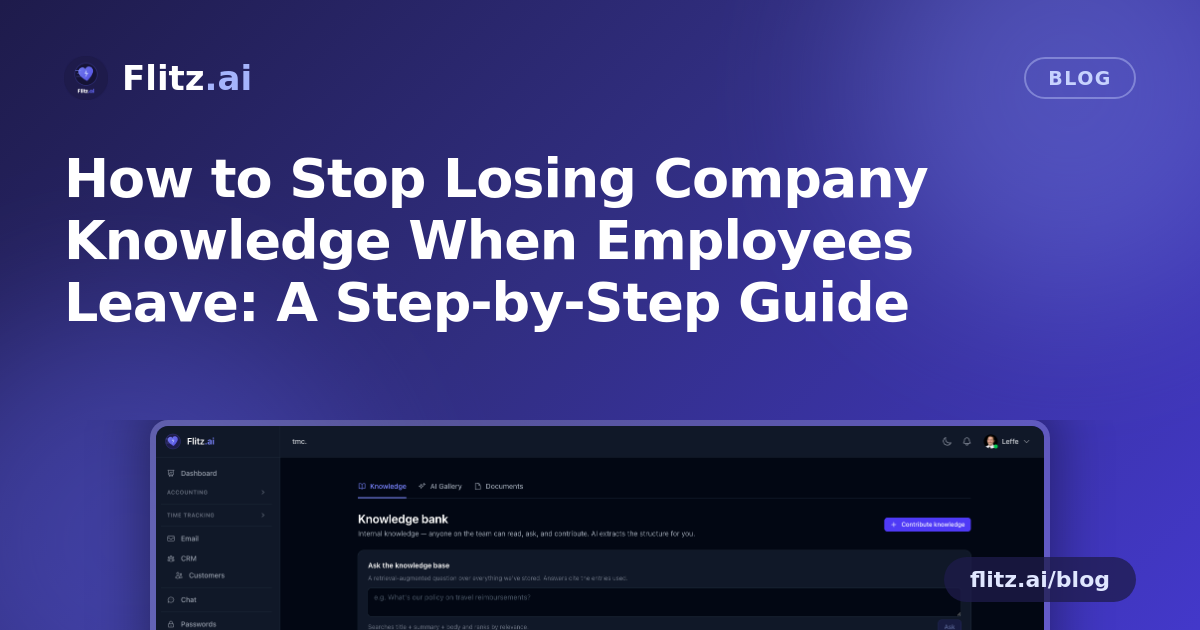
You don't need a big documentation project to start. Gather what's already floating around — a vendor's onboarding PDF, a Slack thread that solved a recurring problem, a half-finished Word doc about your invoicing process, a decision made in a meeting three months ago. With Flitz's Intranet Knowledge Bank, you simply paste a URL or describe the topic in one sentence, and the AI drafts a polished entry for you: title, summary, body, tags and category included. You review it, adjust anything that's off, and post it in seconds. This turns "documenting" from a writing task into an editing task — which is the difference between it happening and not happening.
Step 3: Assign ownership, not just access
Every entry in the knowledge bank tracks author attribution and view counts. Use this deliberately: when someone finishes onboarding a new vendor, closes out a tricky customer issue, or finalizes a new HR process, make writing the entry part of finishing the task — not an afterthought. Because it's fast, this is a realistic expectation rather than an extra chore bolted onto people's workload.
Step 4: Organize as you go, not before you start
Don't wait for a perfect folder structure before writing anything — that's how most knowledge bases die before they're born. Categories, tags and full-text search let you organize loosely at first and refine later. Anyone can find an entry by topic, author or keyword, so the structure can evolve while the content keeps flowing.
Step 5: Let the team ask questions instead of searching for documents
The real shift happens when people stop hunting through folders and start simply asking. With RAG-based question-answering, anyone on the team can type a natural-language question — "how do we handle a refund request from a customer with an open invoice?" — and get an answer with citations to the exact entries it came from. This is what makes a knowledge base feel alive: the answer comes with proof, and the person asking can click through to the source if they need more context.
Step 6: Keep entries current with versioned editing
Processes change — suppliers switch, MWST rules get updated, onboarding checklists get a new step. Instead of creating a messy trail of duplicate documents, anyone can update an existing entry directly. Versioned editing means you never lose the history of how a process evolved, which matters when you need to understand why a decision was made, not just what it currently is.
Step 7: Stop maintaining a second system
One reason external wikis decay is that they live apart from the work itself. Nobody opens Notion in the middle of processing an invoice or reviewing a deal. Because the Intranet Knowledge Bank lives inside the same workspace as your books, customers and deals, the knowledge sits right next to the work it describes — so checking it becomes a habit rather than a detour.
What to expect once it's running
Within the first few weeks, expect a handful of entries covering your most repeated questions — onboarding steps, vendor contacts, recurring customer issues. Within a couple of months, the natural-language search starts becoming the first place people look, not the last. And a year in, when someone leaves the company, you'll notice the thing that used to hurt the most — the silent loss of "how we do things here" — simply doesn't happen anymore.
The real cost of doing nothing
A knowledge base that nobody updates is worse than useless — it gives false confidence in outdated information. But the alternative isn't more discipline; it's removing the friction that made discipline necessary in the first place. For a Swiss SME, where teams are lean and every departure hurts more than it would at a large company, a used intranet is genuinely one of the cheapest insurance policies you can buy.
Institutional memory isn't a nice-to-have documentation project. It's what keeps a business from re-learning the same lessons every time someone hands in their notice.