
The Swiss SME Document Audit: 7 Questions Your File System Should Answer in Seconds
A quick self-check to see if your business documents are actually working for you — or just piling up in folders nobody can search. Includes a fix for the hardest boxes.
Every Swiss SME has a document graveyard somewhere — a shared drive, a Google Drive folder, a SharePoint site — full of contracts, policies, spec sheets, and scanned invoices that nobody opens unless absolutely forced to. The files are "stored." They are rarely useful.
Here's a quick self-assessment. Pull up your current document system — SharePoint, Drive, Dropbox, a server folder, whatever it is — and try to answer these seven questions in under 60 seconds each. Be honest about how long it actually takes.
The 7-point document checklist
- 1. Can you find the signed version of your office lease in under 10 seconds? Not "the lease folder" — the actual expiry date and notice period, without opening and scrolling the PDF.
- 2. Do you know your current travel reimbursement rate off the top of your head? If not, can you get it without asking HR or digging through a 12-page policy document?
- 3. Can a new employee check the home-office policy themselves — without pinging a manager who then has to go find the file?
- 4. If a supplier contract auto-renews, would anyone notice before the renewal date passes?
- 5. Can you search the text inside your scanned invoices and receipts, or only the filename you gave them?
- 6. If someone leaves the company, do you know who uploaded which files and when — or does institutional knowledge just walk out the door?
- 7. Is your document storage actually inside your organisation's boundary, encrypted at rest, or spread across personal drives and email attachments?
If you answered "no" or "not really" to more than two of these, you don't have a document management problem — you have a document retrieval problem. The files exist. Getting an answer out of them doesn't.
Why this is harder than it should be
Traditional file sharing tools — SharePoint, Google Drive, Dropbox — are built to store and sync files. They're good at folders, permissions, and sync status. What they are not built for is understanding what's inside the file. A PDF is a PDF. A scanned invoice is an image. To get an actual answer, a human still has to open it, read it, and interpret it. That's fine once. It's a slow leak of time when it happens every week across every contract, policy, and spec sheet in the business.
For small finance and HR teams in particular, this adds up: someone becomes the de facto "human search engine" for the office lease, the expense policy, the supplier terms. That's not a good use of anyone's time, and it doesn't scale past a handful of employees.
Where Flitz closes the gap
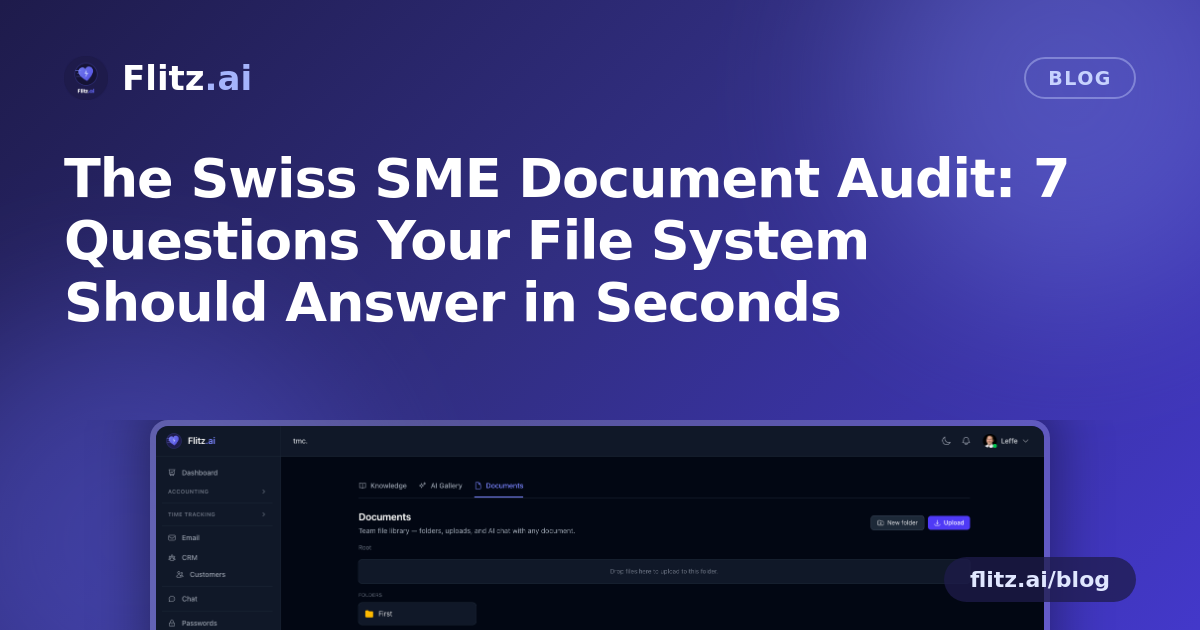
The Documents module in Flitz is a file library first — folders, drag-and-drop upload, breadcrumb navigation, inline rename, smart previews for PDFs, images, and text so you rarely need to download a file just to glance at it. That part looks like any modern file tool.
The difference is what happens when you click a document: it becomes a chat partner. Ask it a question directly — "when does this contract expire?", "what's the travel reimbursement rate?", "what does clause 4 say about termination notice?" — and the AI reads the file and answers in context, citing the exact source paragraph it pulled the answer from. No skimming, no scrolling, no asking around the office.
This works because every document is actually processed, not just stored:
- PDF text extraction via pdftotext pulls the real text layer out of contracts, policies, and spec sheets.
- Image OCR via AI vision means scanned invoices and paper documents photographed on a phone are just as searchable as a native PDF.
- Per-document RAG chat turns that extracted text into a question-answering interface, cited back to the source — so you can trust the answer instead of hunting to verify it.
And because this is a Swiss business tool, the fundamentals are covered without you having to think about them: storage is tenant-isolated and encrypted at rest, so your files stay inside your own boundary rather than scattered across personal cloud accounts. Author tracking and version history mean you always know who uploaded a file and when — useful for audits, fiduciary reviews, and simply knowing which version of a contract is current.
Running the checklist again — with Flitz
Go back through the seven questions above. With document chat in place: the lease expiry is one question away. The reimbursement rate is a search box, not a phone call. A new hire can ask the policy directly instead of interrupting a manager. Scanned invoices are text-searchable like any other file. Author and version history answer the "who uploaded what" question automatically. And the tenant-isolation and encryption boxes are ticked by default, not bolted on.
The goal isn't a fancier file cabinet. It's making sure that every contract, policy, and spec sheet your business already has can actually answer questions — in seconds, cited, and without someone else's afternoon disappearing into it.