
The Swiss SME HR Audit: 7 Questions Your Personnel Files Should Pass Today
A quick self-assessment for Swiss SMEs: can your personnel records actually answer these seven questions? If not, here's what to fix — and how to automate it.
Most Swiss SMEs don't have a "personnel file problem" until the day they do: an audit, a lost laptop, a sick employee whose emergency contact nobody can find, or a contractor invoice that triggers a social insurance question nobody can answer quickly. By then, the gaps in a personnel spreadsheet and a shared drive full of scanned passports are no longer theoretical.
Run your own HR data through the checklist below. Be honest about each answer — then see how a proper staff registry closes the gaps automatically.
The 7-point HR data self-assessment
1. Can you find one employee's full file in under 30 seconds?
Not three tabs, two folders, and an email search — one file, one place. If the personal details live in a spreadsheet, the ID scan lives on a shared drive, and the contract lives in someone's inbox, you already know the answer.
2. Do HR and payroll agree on who your people even are?
Duplicate person records between HR and salary processing are one of the most common — and most avoidable — sources of payroll errors in Swiss SMEs. A name change, a new bank detail, or a corrected address updated in one system but not the other creates discrepancies that surface at the worst possible time: payroll run day.
3. Does your data reflect how people actually work for you?
Swiss SMEs rarely employ only salaried staff. There are contractors placed through a vendor, and freelancers invoicing through their own company. If your records treat everyone as "employee" by default, you're one AHV or MWST question away from a messy reconciliation.
4. Are passports, ID copies and CVs actually secured — or just stored?
A folder on a shared drive is not security. Ask yourself: do you know who downloaded a given passport scan, and when? Is there a checksum proving the file hasn't been altered or corrupted since upload? If the answer is no, you have storage, not protection.
5. Can you reach an emergency contact in under a minute?
This one sounds obvious until it's tested. If an employee has an accident and the emergency contact is buried in a paper form from the onboarding pile three years ago, "in under a minute" becomes "eventually, maybe."
6. Do you actually know what skills sit inside your company?
Most CVs are read once, at hiring, then filed away forever. That means languages, certifications and skills your own staff have are invisible when you need them — for a project, a promotion, or a client request that needs a specific qualification.
7. Is personnel data restricted to the people who should see it?
Salary history, ID documents, health-related emergency details — this isn't information for the whole team's drive access. If every staff member with a shared-drive login can technically open the personnel folder, that's a gap, not a convenience.
Scoring yourself
If you answered "no" or "sort of" to two or more of these, your HR data is running on goodwill and institutional memory rather than process. That's manageable at five employees. It stops being manageable the moment you hire your tenth, bring on your first contractor, or face your first audit.
How Flitz ticks these boxes automatically
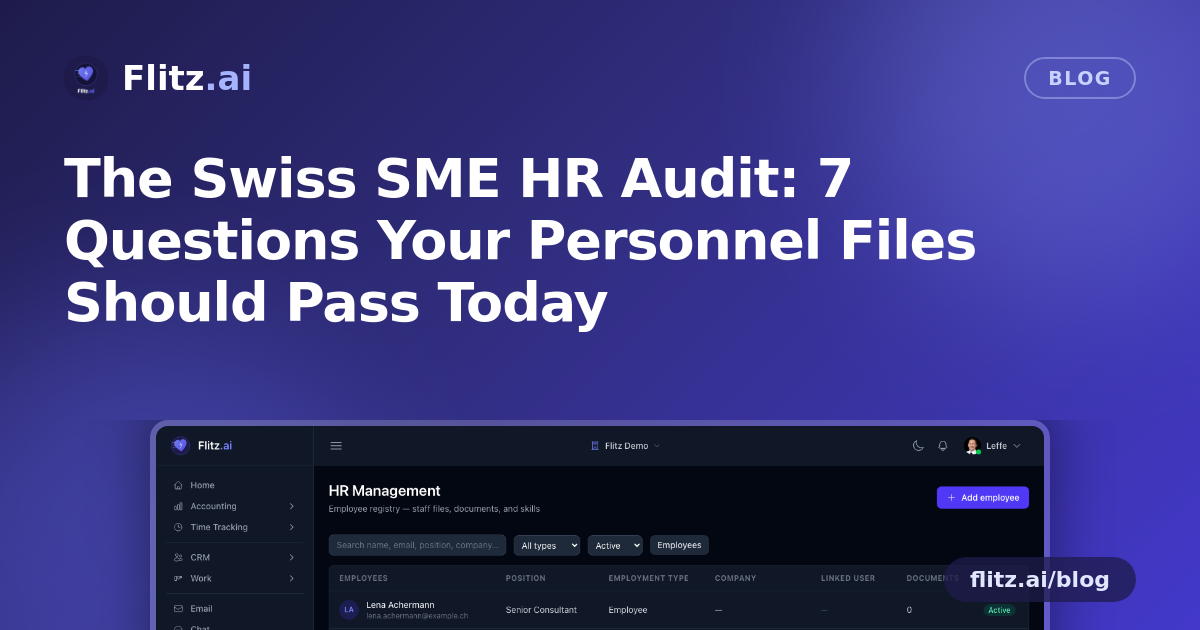
Flitz's HR Management module was built around this exact checklist, not as an afterthought but as the baseline:
- One shared registry with Payroll — the same person record is used for HR and salary processing, so there's no duplicate data to drift out of sync.
- Employment types that match reality — employee, contractor with the vendor on record, or freelancer with their own company on record, all in the same system.
- Private, checksummed document storage — passport, ID and CV uploads carry SHA-256 checksums, hardened downloads, and a full audit trail of every upload, download and deletion.
- Emergency contacts with a one-tap WhatsApp link — reachable in seconds, not buried in a filing cabinet.
- AI skills extraction — upload a CV once and skills, languages and certifications are parsed automatically into searchable chips on the profile.
- Inline training records — link a staff file to its Flitz login and completed courses with quiz scores appear in the file without manual entry.
- Owner/Admin-only access — personnel data is gated to management roles, never exposed to the whole team.
From checklist to practice
None of these seven checks require exotic HR software or a big compliance project. They require one registry that's shared between HR and payroll, documents that are genuinely secured rather than merely stored, and access that's limited to the people who should actually see sensitive data.
If your business is still running on a personnel spreadsheet and a shared drive, treat this checklist as your starting point — and know that closing every gap on it is exactly what a proper staff file system is for.