
Quarter-End Without the Chaos: How Time Tracking Saves Swiss SMEs Hours
A quarter-end scenario every Swiss SME recognizes: scattered timesheets, missing absence records, and billable hours nobody can find. Here's how calendar-based time tracking fixes it.
Picture a typical Swiss small business at quarter-end: a small engineering office, a design studio, or a local trades firm with eight to twelve people on the team. It's the last week of March. The fiduciary wants hours logged for client invoicing. Payroll needs to reconcile vacation and sick days. And somewhere in a drawer, on sticky notes, and in three different Excel files, the actual working hours for the last three months are hiding.
This scenario is illustrative, but the pattern is one most Swiss SME owners and office managers will recognize immediately. Manual time tracking rarely fails on day one — it fails at the moment you actually need the data: audit season, quarter-end closing, or when a new hire's probation period needs a clean paper trail.
The Problem: Data That Exists, But Isn't Usable
In many small businesses, hours are tracked "somewhere" — a paper timesheet here, a mental note there, an absence approved verbally over coffee. Individually, none of this is wrong. Collectively, it becomes a nightmare the moment someone asks: "How many billable hours did we log for Client X in Q1?" or "Can we prove this employee's overtime balance for the audit?"
The real cost isn't the tracking itself — it's the reconstruction work afterward. Hours spent cross-checking calendars, chasing employees for missing entries, and manually recalculating absence balances before payroll can even start.
The Scenario: A New Hire Arrives Mid-Quarter
Now add a common complication: a new employee joins in February, right in the middle of the quarter. They need to start tracking hours from day one, their vacation entitlement has to be calculated pro-rata, and their manager needs visibility into their workload without micromanaging every hour.
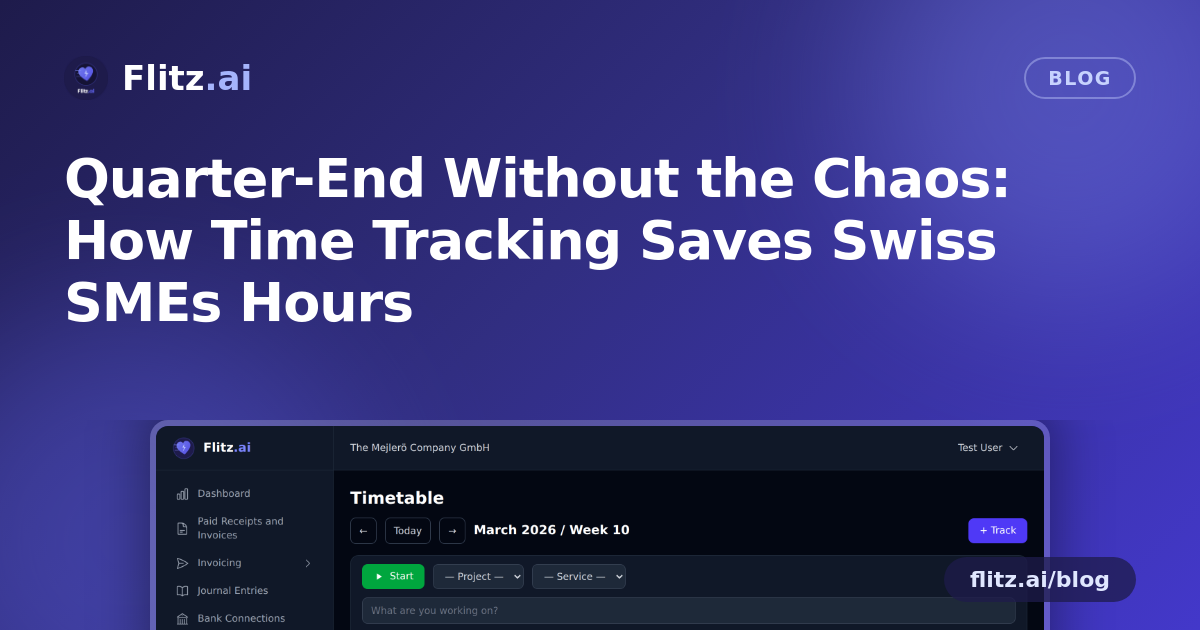
This is exactly where a calendar-based time tracking system changes the workflow. Instead of onboarding a new hire into a patchwork of spreadsheets, they get access to a shared calendar interface where time entry is a drag-and-drop action, not a data-entry chore. Blocks of work can be logged retroactively by dragging across days, or tracked live with a start/stop timer for tasks that happen in real time — a client call, a support ticket, a site visit.
Absences Handled Without the Guesswork
When the new hire needs to request their first day off, it doesn't go through a verbal "sure, that's fine" that nobody writes down. It goes through an approval workflow: the request is submitted, the manager approves it in the system, and it's automatically reflected in the absence balance and the calendar. No separate vacation tracker, no year-end surprises about who has how many days left.
For the office manager preparing for quarter-end, this matters enormously. Absence data that's approved and logged in the same place as working hours means there's no reconciliation step between "what payroll thinks happened" and "what actually happened."
The Scenario: Quarter-End Reporting and an Unexpected Audit Request
Back to our engineering office. It's the last week of the quarter, and the fiduciary calls: they need a breakdown of billable hours by project for the last three months, plus a summary of absences for payroll reconciliation — and, as it turns out, an auditor has asked for supporting documentation on overtime for two employees.
In a spreadsheet-based setup, this is the moment that ruins an afternoon (or a week). With project and service tracking built into the time entries, hours are already tagged to the right client or internal project as they're logged — not reconstructed afterward from memory. Generating what's needed becomes a matter of running a report rather than building one from scratch.
- For the fiduciary: a CSV export of billable hours per project, ready to drop into invoicing or accounting software.
- For payroll: a PDF report of absences and worked hours per employee, already reconciled against approved requests.
- For the auditor: a clean, timestamped record of hours and overtime per employee, with no manual reconstruction needed.
None of this requires a special "audit mode" or a frantic data cleanup. It's the same data that was captured continuously throughout the quarter, simply filtered and exported in the format each recipient needs.
From Tracked Hours to Invoiced Revenue
The part that often gets missed in time tracking discussions is what happens after the hours are logged. Billable time sitting in a spreadsheet still has to be manually transferred into an invoice — another step where hours get lost, mistyped, or simply forgotten before the invoice goes out.
When time tracking is connected directly to invoicing, billable hours logged against a project or client can be pulled straight into an invoice without re-entering a single figure. For a services business billing hourly work, this closes the loop between "work done" and "revenue collected" — which, at quarter-end, is exactly the gap that costs Swiss SMEs the most in delayed cash flow.
Why This Matters Beyond Quarter-End
The engineering office, the new hire, and the audit request are one scenario — but the underlying problem repeats every month for most Swiss SMEs: hours worked, absences taken, and revenue billed all need to line up, and they rarely do without a system built to keep them aligned from the start.
A calendar-based time tracking approach doesn't just make logging hours easier for employees. It removes the reconciliation work that eats into an office manager's or fiduciary's time at exactly the moments — quarter-end, audits, onboarding — when that time is least available.
For Swiss SMEs juggling MWST filings, payroll cycles, and client invoicing on top of day-to-day operations, that's not a nice-to-have. It's the difference between quarter-end being a routine task or a recurring fire drill.