
Time Tracking for Swiss SMEs: Spreadsheets vs. an Integrated System
Spreadsheets and email chains for time tracking feel free until they cost you billable hours and weekend admin. Here's an honest look at both approaches.
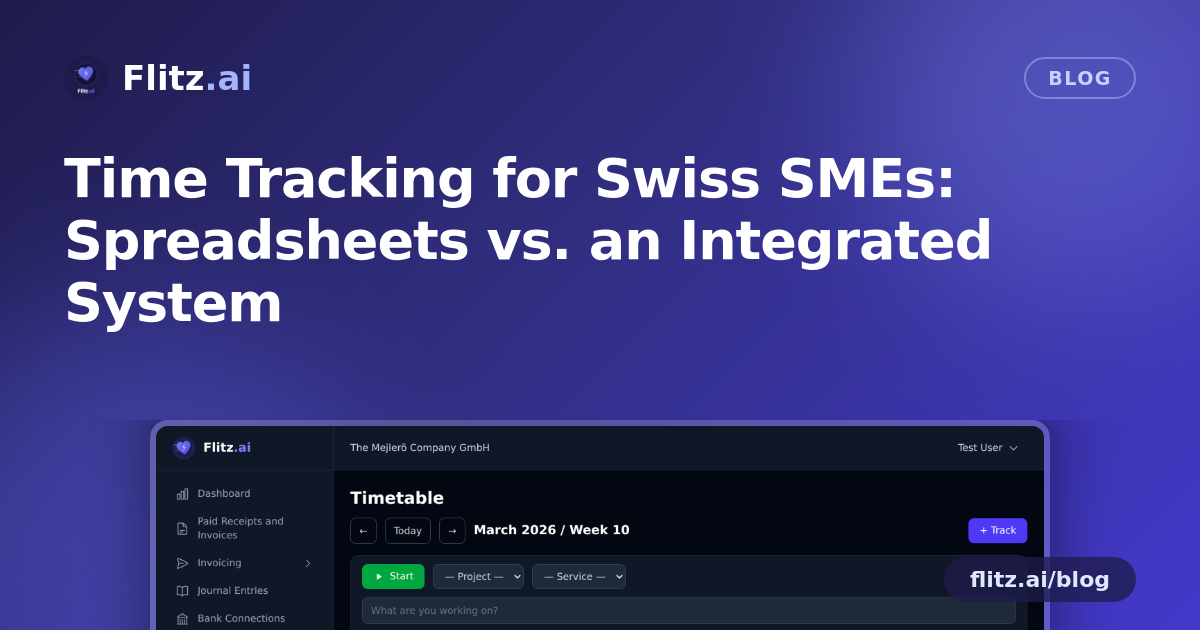
Ask any Swiss SME owner how their team tracks working hours, and you'll often hear some version of: "We have a spreadsheet." Maybe there's a second file for absences. Maybe timesheets arrive by email at the end of the month, in three different formats, from three different people. It works — until it doesn't.
Let's be fair to the old way before we dismiss it. Then let's look at what changes when time tracking, absences, and invoicing live in one place.
The case for spreadsheets (yes, really)
Spreadsheets are cheap, flexible, and everyone already knows how to use them. For a two-person business tracking a handful of hours a week, a shared Excel file is not a crazy choice. There's no onboarding curve, no subscription, and you can format it exactly how you like.
The trouble starts as soon as you add people, projects, or clients that need to be billed accurately.
Where the manual approach breaks down
- No single source of truth. One employee logs hours daily, another does it retroactively on Friday from memory. Accuracy suffers, and nobody notices until a client disputes an invoice.
- Absences live somewhere else entirely. Vacation requests go through email or a chat message, get approved verbally, and never make it back into the hours file. Payroll and reporting drift out of sync.
- Billable hours require manual translation. Someone has to take the spreadsheet, figure out which hours are billable, match them to the right project, and manually build an invoice. Every extra step is a chance for hours to get lost or mis-billed.
- Reporting means more spreadsheet work. Want to see hours by project, by employee, or by month? That's a pivot table someone has to build and maintain, every time.
- No approval trail. If a manager needs to sign off on overtime or absences, there's rarely a clean, auditable workflow — just a chain of emails that's hard to reconstruct later.
None of these problems are dramatic on their own. But they compound. A few unbilled hours here, a missed vacation deduction there, an hour spent every month reconciling three different files — it adds up to real money and real frustration, especially for growing teams and for the fiduciaries who have to make sense of it all at year-end.
What changes with an integrated approach
The alternative isn't a fancier spreadsheet — it's removing the gaps between tracking time, managing absences, and getting paid for the work. That's the idea behind Flitz's time tracking module.
Calendar-based entry, not free-form guessing
Instead of typing numbers into cells, employees log hours on a calendar interface with drag and drop. It's faster to enter, easier to review at a glance, and far harder to misread than a dense spreadsheet grid.
Real-time tracking when it matters
For work that's billed by the hour, a start/stop timer captures time as it happens rather than relying on end-of-day estimates. This matters most for consultants, agencies, and service businesses where "roughly two hours" and "1.75 hours" are not the same invoice.
Absences with an actual approval workflow
Vacation and absence requests go through a defined approval process rather than a verbal yes and a forgotten note. Managers see requests in context, and approved absences are reflected directly in the same system used for hours and reporting — no reconciling two sources.
Hours tied to projects and services
Time is logged against specific projects and services from the start, so the question "which hours are billable to which client" is answered as the work happens, not weeks later during invoicing.
From tracked hours to invoice, without the handoff
Because time tracking sits inside the same platform as invoicing, billable hours can move straight onto an invoice without being retyped, reformatted, or re-checked in a separate tool. That handoff — the one most likely to introduce errors or delays — simply disappears.
Reporting that doesn't require a spreadsheet expert
CSV export and PDF reports give you and your fiduciary the data in a usable format whenever you need it, without someone rebuilding a pivot table from scratch every month.
Weighing the trade-off honestly
Consolidating into one system does mean a small shift in habits — employees need to log time in a new place, and there's a short learning curve compared to a spreadsheet everyone already knows. For a very small team with simple, non-billable hours, that shift might not be worth it yet.
But for any Swiss SME that bills clients by the hour, manages absences across more than one or two people, or needs clean reports for payroll and MWST purposes, the calculation flips quickly. The hours saved on manual reconciliation, the invoices that no longer slip through the cracks, and the audit trail for approvals tend to outweigh the adjustment period within the first month.
The real question to ask
The spreadsheet isn't the problem — the gaps between your tools are. Every time information has to be manually moved from a timesheet to an approval to an invoice, there's a chance for hours, accuracy, or money to leak out. An integrated time tracking system doesn't just track hours; it closes those gaps so the work you already did actually gets billed, reported, and paid for.