
5 Uptime Monitoring Mistakes Swiss SMEs Keep Making (And How to Fix Them)
Most Swiss SMEs only find out their website or nightly backup is down when a customer complains. Here are the five most common uptime mistakes — and how to avoid them.
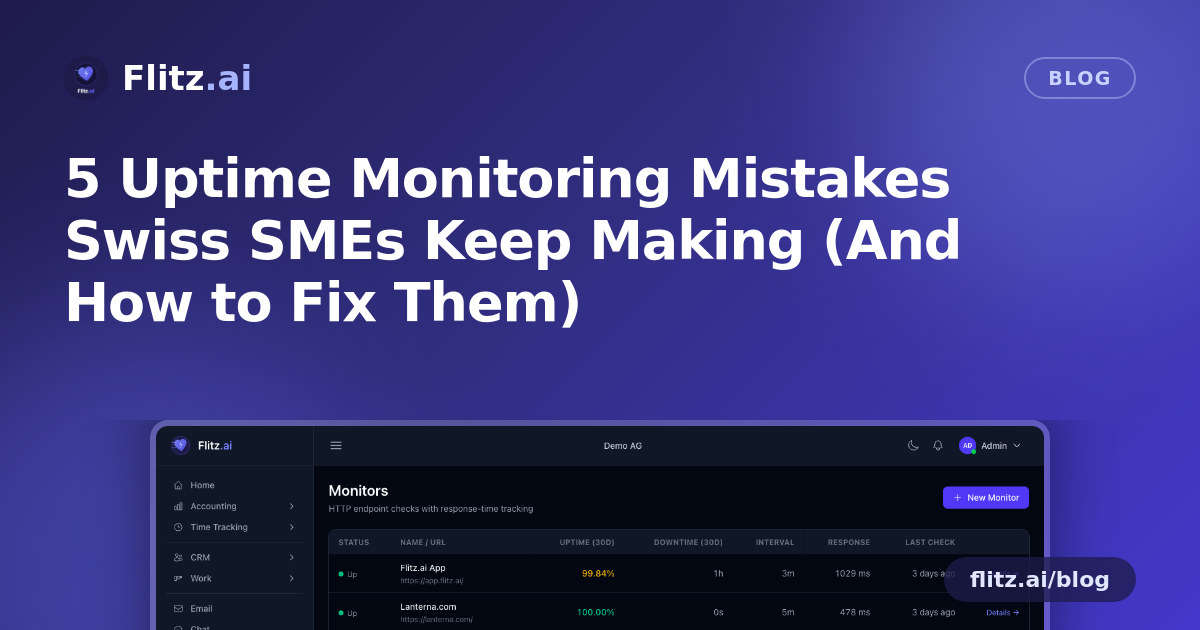
For a Swiss SME, a down website or a silently failing backup job is rarely dramatic. There's no alarm, no red light on a dashboard — just a customer who can't check out, or a report that quietly fails to generate overnight. By the time anyone notices, the damage is already done: lost orders, a frustrated client, or a scramble to recover data that should have been backed up hours earlier.
Most of this is avoidable. The problem isn't bad luck — it's a handful of predictable mistakes that almost every growing business makes at some point. Here they are, and how to fix each one.
Mistake 1: Finding out from a customer, not a monitor
The most common way SMEs learn their shop or portal is down is a phone call or an angry email. Nobody is actively watching the endpoints that matter, so the first signal of trouble is a human one — which means the outage has already been running for minutes or hours.
This happens because setting up proper monitoring feels like a "someday" task, something for bigger companies with dedicated IT. But an HTTP monitor that checks your site every 30 seconds from EU infrastructure costs you nothing in effort once it's configured, and it turns every outage into a known, timestamped event instead of a guessing game.
Mistake 2: Treating scheduled jobs as "set and forget"
Nightly backups, invoice exports, payroll syncs, data reconciliations — these cron jobs run quietly in the background, and businesses assume that because they worked last month, they'll keep working. Then a server gets reconfigured, a credential expires, or a dependency breaks, and the job just stops running. Nobody notices until the backup you needed isn't there.
Cron-job heartbeats close this gap. The job pings a private URL every time it runs successfully; if that ping doesn't arrive within its expected window, an incident opens automatically — no manual checking required. It's the difference between assuming a backup ran and knowing it did.
Mistake 3: Alerts that nobody actually sees
Some businesses do have monitoring, but the alert goes to one person's inbox, gets buried, or fires at 2am with no one on call to see it. An incident that isn't noticed for six hours is functionally the same as no monitoring at all.
The fix is alerting that matches how your team actually works: email plus team chat notifications on every status change, with channels, on-call schedules, and escalation policies so the right person is pinged — not just whoever happened to set up the monitor originally.
Mistake 4: No record of what happened, or when
When an outage does get noticed and fixed, many teams move on without documenting it. Then it happens again three months later, and nobody remembers what caused it the first time or how long it took to resolve. Clients asking "how long were we down?" get a shrug instead of an answer.
An incident timeline with acknowledge and resolve actions, threaded comments, and post-mortem notes turns every outage into institutional knowledge. Response-time tracking and per-region check history also help you spot slow degradation — like a service that's technically "up" but getting steadily slower — before it becomes a full outage.
Mistake 5: Leaving customers in the dark during an incident
When something does go wrong, silence makes it worse. Customers refresh the page, open support tickets, and assume the worst, because there's nowhere for them to check real-time status. Meanwhile your support team fields the same "is it down?" question a dozen times.
A public, branded status page on your own subdomain solves this directly — you choose exactly which components are visible, and customers can self-serve the answer instead of calling you. It also signals professionalism: a business that's transparent about incidents looks more trustworthy than one that pretends nothing ever goes wrong.
One overlooked risk: forgotten SSL certificates
A sixth, quieter mistake deserves a mention: letting an SSL certificate expire unnoticed. Browsers throw security warnings, checkout pages break, and trust evaporates in seconds — all because a certificate renewal was missed. SSL expiry tracking alongside your uptime monitors removes this blind spot entirely.
Bringing it together
Each of these mistakes stems from the same root cause: relying on people to notice problems that software should be watching instead. Flitz's uptime monitoring and status pages cover HTTP/HTTPS checks every 30 seconds, cron-job heartbeats, incident timelines, email and chat alerts, and branded public status pages — all tenant-scoped, so your monitors and incidents are never mixed up with anyone else's data.
Instead of running separate tools like Better Uptime, UptimeRobot, Pingdom, or Atlassian Statuspage, it's one module inside the same platform where you already manage invoicing, banking, and CRM — one less login, one less bill, and one less thing that can silently fail.