
From Spreadsheet Chaos to Scan-and-Go: A Step-by-Step Guide to IT Asset Management
Still tracking laptops and licences in a spreadsheet? Here's a practical, step-by-step path to automated IT inventory, patch visibility, and one-scan asset lookup.
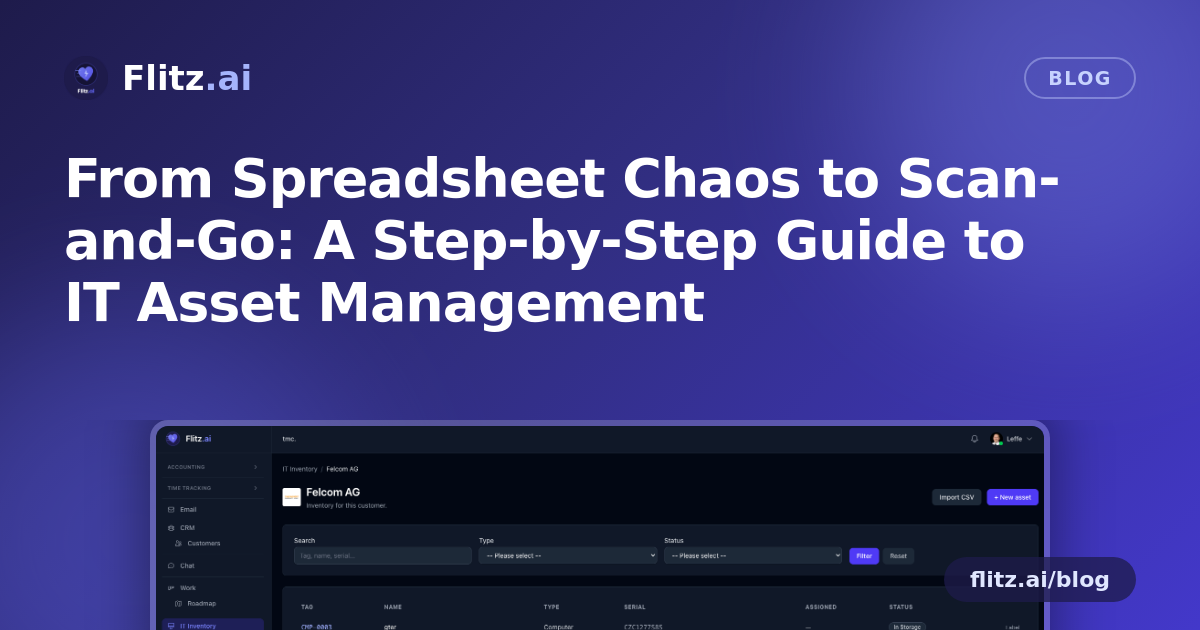
If you manage IT for one customer or fifty, you probably know the drill: a spreadsheet with laptop serial numbers that's three months out of date, a drawer of unlabelled monitors, and a "which patches are missing?" question you can only answer by remote-connecting to each machine one by one. It works — until it doesn't, usually right before an audit or when a device goes missing.
Here is a practical, step-by-step path from that manual process to an automated one, using the IT Management module in Flitz.
Step 1: Get your existing devices into one place
Start by consolidating whatever you already have — a spreadsheet, a ticketing tool export, or a handwritten list — into a single CSV. You don't need to reformat anything first: the bulk import accepts both German and English column aliases, so "Seriennummer" and "Serial Number" both map correctly.
What to expect: import once per customer, since every customer has their own scoped inventory. This keeps device lists, licences, and specs cleanly separated — no cross-customer mix-ups, and no risk of one client seeing another's assets.
Step 2: Let computers register themselves
For any customer whose machines you manage remotely, connect the built-in Action1 integration. Once enabled per customer, managed computers sync in automatically, roughly every hour, pulling live telemetry: operating system, CPU, RAM, IP address, and last-seen timestamp.
What to expect: Flitz matches incoming Action1 data to your existing assets by MAC address and serial number, so you don't end up with duplicate entries for machines you already imported in Step 1. Your manual list and your live monitoring data converge into one record per device.
Step 3: Check patch and vulnerability status without leaving Flitz
With Action1 connected, patch status and open vulnerabilities become visible directly on each device and rolled up per customer — missing critical updates per machine, and an open-CVE count at the customer level. Instead of logging into a separate console to check exposure, you get the answer where the rest of the asset's context already lives.
What to expect: when something needs attention, one click jumps you straight into patch management or into a remote desktop session on that device. This turns "which of my customer's machines are unpatched" from a multi-tool investigation into a two-minute check.
Step 4: Label physical assets so anyone can identify them
For laptops, monitors, and other hardware, print a branded label directly from the asset record — sized for standard 62×29 mm Brother QL label stock, with clean typography (Inter and JetBrains Mono) and your customer's logo on top. Stick it on the device.
What to expect: no more guessing which monitor belongs to which contract or writing asset tags by hand. A quick scan of the QR code resolves straight to the record.
Step 5: Scan instead of search
This is where the process stops feeling manual. Anyone in your tenant who scans the label lands directly on the full asset page — specs, history, patch status, everything. If someone outside your tenant scans it (a customer's employee, for example), they see a minimal public card instead, with just enough detail and none of your internal data exposed.
What to expect: onboarding a new technician or doing a physical stock check no longer requires cross-referencing a spreadsheet. Walk the office, scan, done.
Step 6: Let customers manage their own devices
Rather than fielding every "can you check my laptop's warranty" or "please add this new monitor" request yourself, give customers access to their own portal view. They can filter, search, create, and edit their own devices — while you retain oversight and the technical depth (CPU, RAM, storage, OS, MAC, IP) alongside the simpler generic assets like phones and licences.
What to expect: fewer routine tickets, and a customer-facing inventory that stays current because the people using the devices help maintain it.
What changes once all six steps are in place
The end state looks like this: every device, per customer, in one system. Computers sync and self-report health hourly. Patch gaps and vulnerabilities surface without a separate console. Physical assets carry a scannable label that resolves instantly for your team or shows a safe public view for anyone else. And customers handle their own routine updates through their portal.
None of this requires ripping out your current monitoring tool — Action1 plugs in per customer, and the CSV import meets you wherever your data currently lives. It's a migration you can do customer by customer, at your own pace.
You can see the full capability set on the IT Management feature page.