
One Login, Multiple Companies: Ending the Spreadsheet-and-Password Chaos
Running several companies or clients through one accounting tool usually means juggling logins, exporting spreadsheets, and hoping nothing gets mixed up. There is a cleaner way.
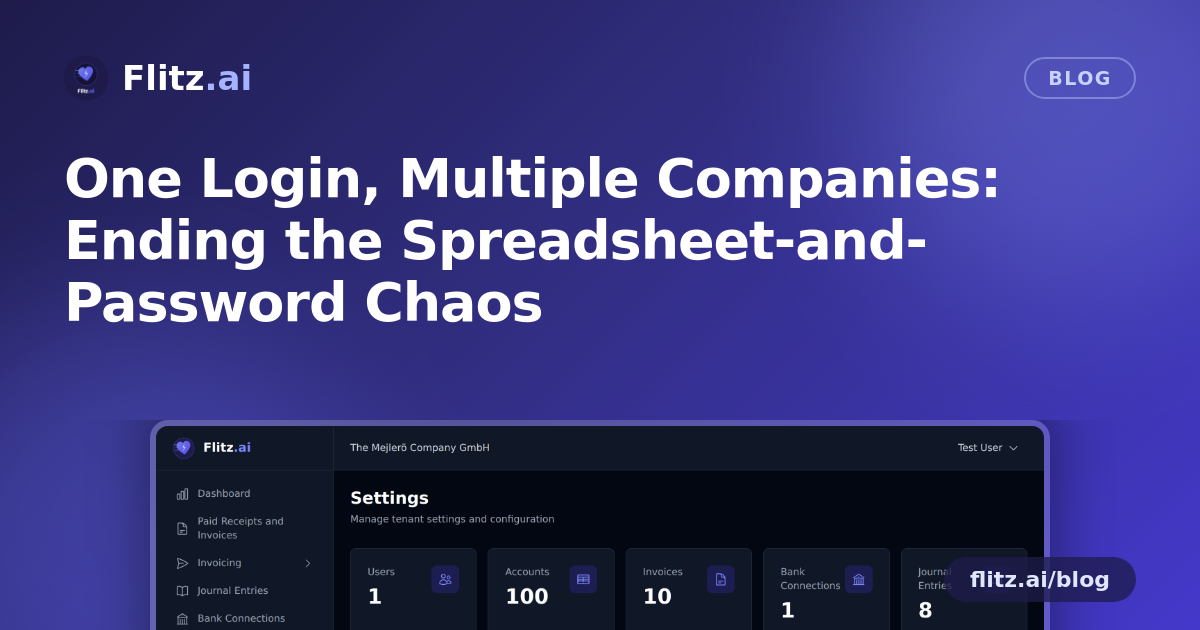
If you run more than one company, or you manage the books for several clients as a fiduciary, you know the drill. Monday starts with logging into one account for Company A, logging out, logging back in for Company B, and hoping you did not just approve an invoice under the wrong entity. Somewhere along the way, someone exports a spreadsheet "just to keep track," and now there are three versions of the truth floating around your inbox.
This is not a rare edge case. It is the everyday reality for holding structures, group companies, franchise operators, and every Treuhand or fiduciary firm in Switzerland juggling multiple mandates. Most business software is built for one company, one login, one set of books. The moment you need to manage two, three, or twenty entities, you are stuck bolting together workarounds: separate accounts, shared passwords in a notes app, or manual re-entry of the same supplier invoice into two different systems.
The Real Cost of Juggling Multiple Companies
The pain shows up in a few predictable ways:
- Data mixing risk. When two companies share a workspace or a careless copy-paste happens between browser tabs, a transaction can end up booked against the wrong entity. Untangling that later, especially close to a MWST filing deadline, is nobody's idea of a good week.
- Access control headaches. Not everyone should see everything. Your junior bookkeeper should not have the same visibility as the owner. A client should be able to view their own numbers, not your other clients' invoices.
- No professional face for your clients. If you are a fiduciary offering bookkeeping-as-a-service, handing clients a generic login to a third-party tool does not exactly reinforce that they are working with you.
- Time lost to admin, not advice. Every minute spent switching logins or double-checking which company you are in is a minute not spent on the actual accounting or advisory work that clients pay for.
What Multi-Tenant Actually Means for Your Business
Flitz.ai's multi-tenant and white-label feature is built specifically for this situation. Instead of forcing you into separate accounts per company, it lets you run multiple companies from a single Flitz account, each one fully separated from the others.
Complete data isolation between companies
Every company you manage gets its own isolated data space. Invoices, bank feeds, CRM contacts, and HR records for Company A never mix with Company B's data. You get the operational convenience of managing everything in one place without the risk of cross-contamination between entities or clients.
Custom subdomain per company
Each company can operate under its own subdomain, giving every entity a clear, distinct address rather than a shared, generic login screen where it is easy to lose track of which company you are actually working in.
White-label branding for fiduciaries and service providers
If you offer Flitz.ai to your own clients, whether you are a Treuhand firm, an outsourced finance team, or a franchise head office, you can apply your own logo, colors, and domain. Clients log into what looks and feels like your platform. Flitz runs underneath, but your brand is what they see.
Role-based access: Owner, Admin, Accountant, Viewer
Instead of an all-or-nothing login, you assign roles that match how people actually work. An Owner has full control. An Admin manages day-to-day operations. An Accountant gets the financial access they need without touching sensitive HR data. A Viewer, useful for a client or a board member, can see reports without being able to edit anything.
Invite team members with granular permissions
Bringing someone new onto a company, whether it is a new bookkeeper, a part-time office manager, or a client stakeholder, does not require sharing a master password. You invite them directly, with permissions scoped to exactly what they should be able to do.
Who This Actually Helps
This setup is most valuable for a few clear groups of Swiss businesses:
- Holding structures and groups of companies that need consolidated oversight without merging financial data.
- Fiduciaries and Treuhand firms managing dozens of client mandates who want one platform, clean separation, and their own brand in front of clients.
- Franchise or multi-location operators who need each location run as its own entity while keeping central visibility.
- Growing SMEs that started as one company and are now spinning off a second entity, a subsidiary, or a sister business.
The goal is simple: manage as many companies as you need, without multiplying your login screens, your risk, or your admin time.
Getting Started
If you are currently managing multiple companies through separate tools, separate logins, or a patchwork of spreadsheets, it is worth asking how much time that setup is actually costing you every month, and how much risk it is quietly carrying. Consolidating onto one platform with proper data isolation and role-based access is less about adding a new tool and more about removing the workarounds you have already built to survive without one.